Chapter 4: Web Management
EN-96
4.8 Notification
This option allows you to configure e-mail notification settings.
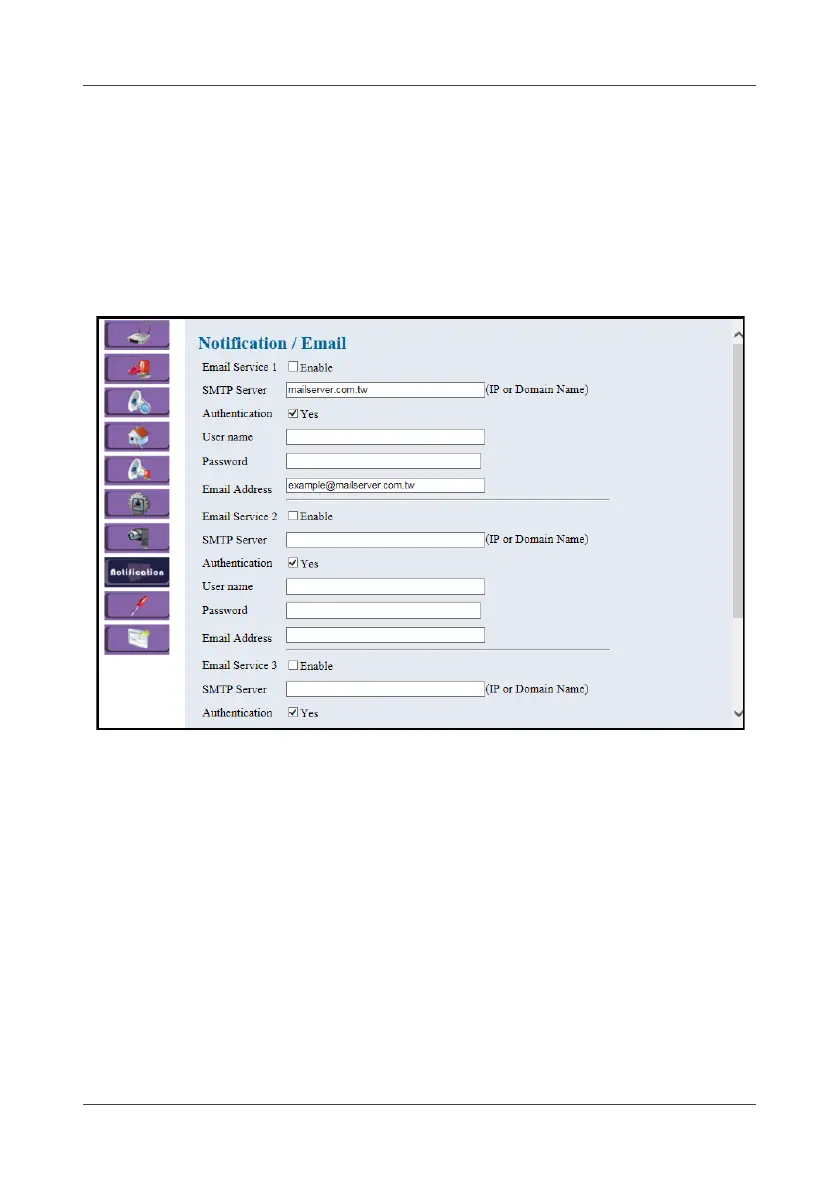
4.8.1 Email
This option allows you to configure e-mail notification settings.
1. Select Notification > Email.
2. Check Enable to enable e-mail notification service.
3. Enter SMTP server’s IP address or Domain Name in the SMTP Server
field.
4. Check Yes to enable SMTP authentication once required.
5. Enter username and password in the User name and Password fields
once required.
6. Enter the e-mail address of the recipient in the Email Address field.
The e-mail message can be sent out to up to 3 recipients concurrently.
7. Click Apply to save the settings.



 To Next Page