Chapter 4: Web Management
EN-72
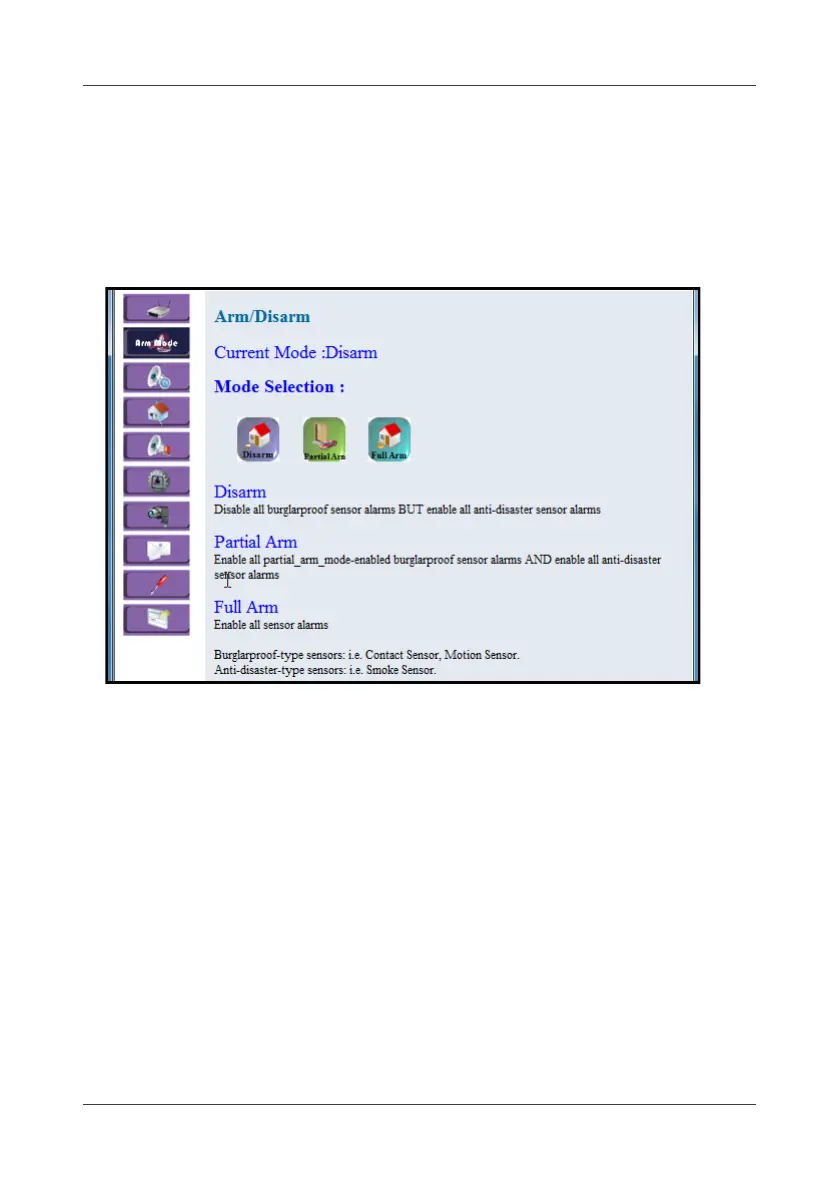
4.2 Arm Mode
This option allows you to select the alarm mode.
1. Be sure that the Alarm Controller configuration is successful. See 2.2
Device Joining on page 12.
2. Select Arm Mode.
3. Select the desired alarm mode (Disarm/Partial Arm/Full Arm).
• Disarm: Disarm for the security function, only start the disaster
prevention function.
• Full Arm: Start all disaster prevention and security functions.
• Partial Arm: Start partial of the security function, and all disaster
prevention function.



 To Next Page