Chapter 4: Web Management
EN-71
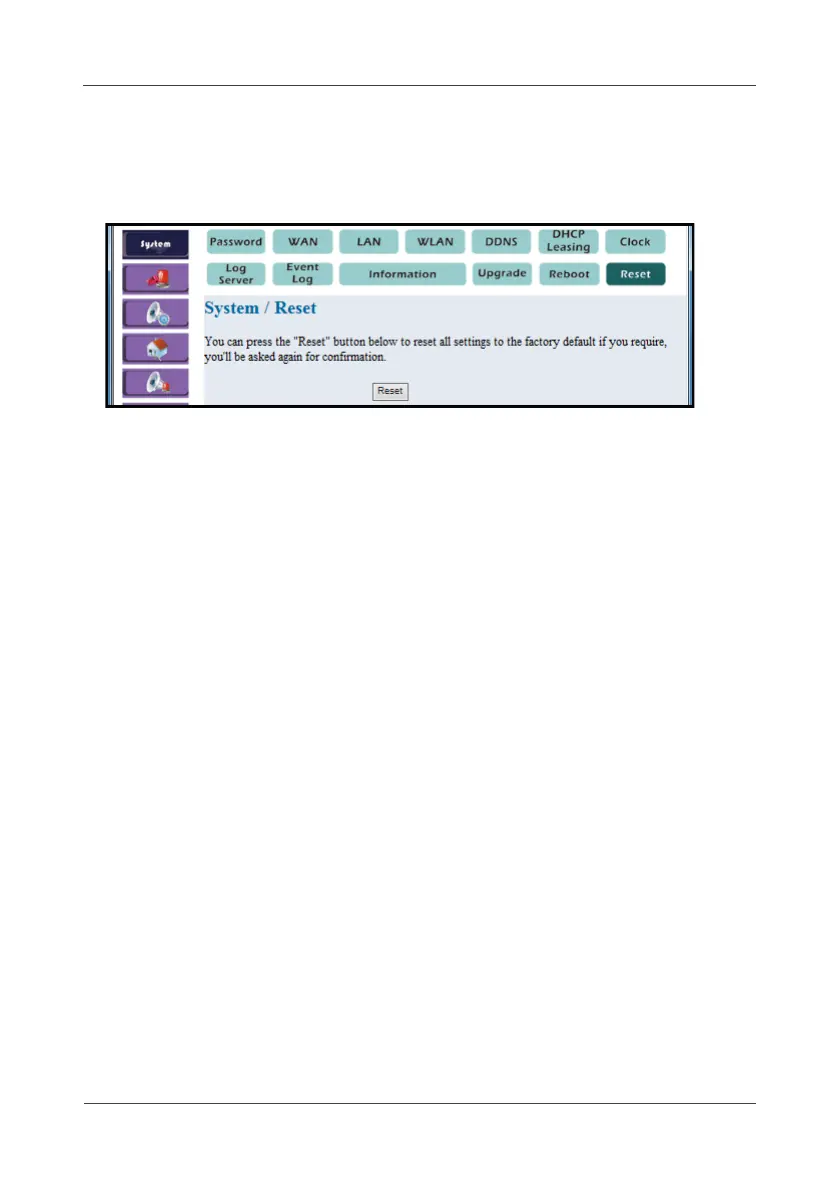
4.1.13 Reset
This option allows you to reset all settings to the factory default.
1. Select System > Reset.
2. To reset the system, click Reset.
3. A pop-out message “Do you really want to reset the system?” to
re-confirm again. Select Yes to proceed.



 To Next Page