Chapter 4: Web Management
EN-70
b. Upgrade by remote site
1. Select System > Upgrade.
2. Save the firmware file (*.pck) to your computer.
3. Click the Browse button to select the latest firmware file. Then press
Select to confirm the selection.
4. Click Upgrade to update the firmware.
• For the password information, please contact the authorized partners.
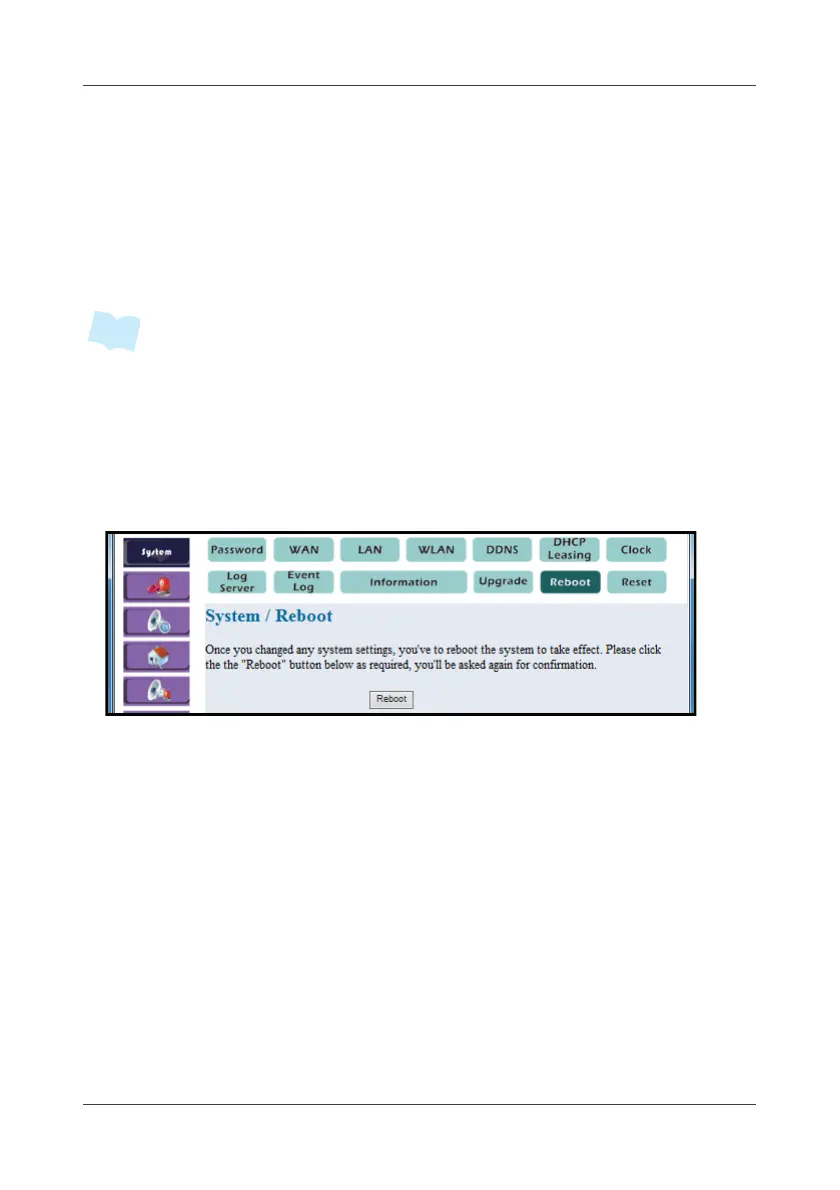
4.1.12 Reboot
This option allows you to power reboot the system once you changed any
system settings.
1. Select System > Reboot.
2. To reboot the system, click Reboot.
3. A pop-out message “Do you really want to reboot the System?” to
re-confirm again. Select Yes to proceed.



 To Next Page