Chapter 4: Web Management
EN-69
4.1.10 Information
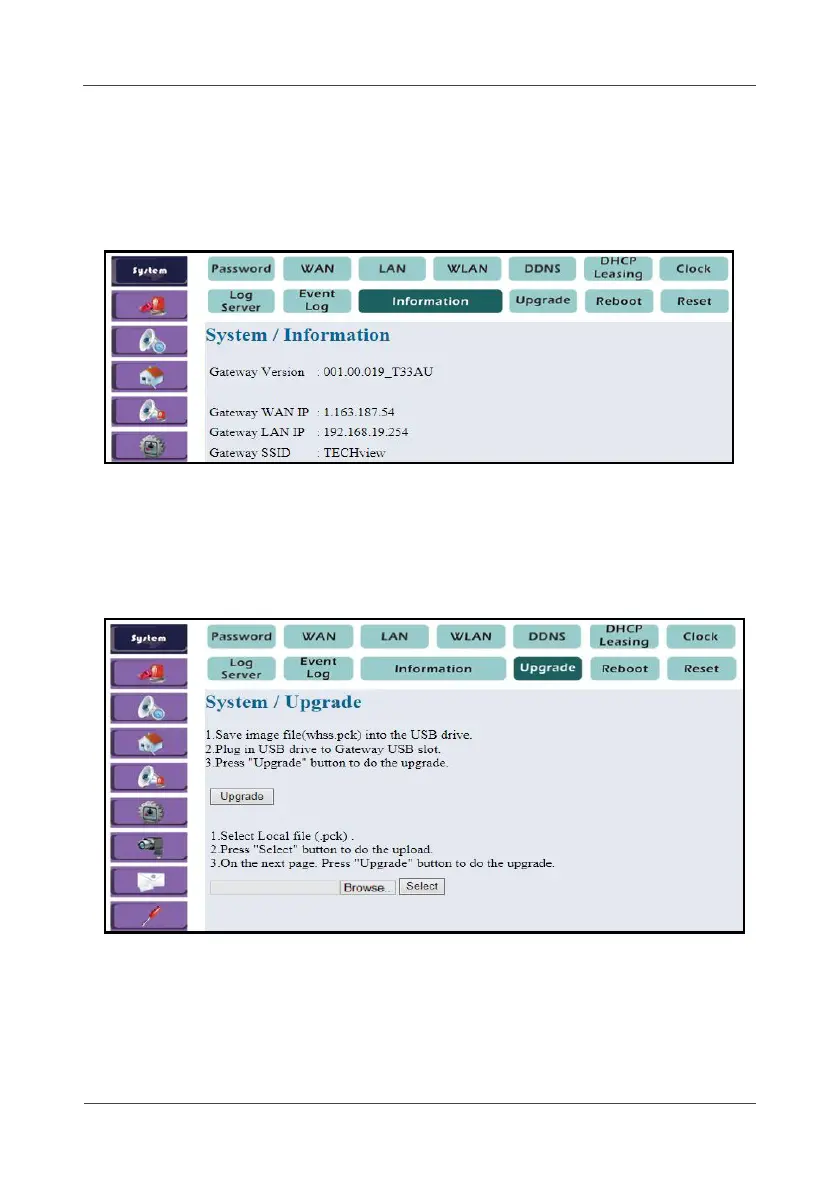
This option displays the Gateway information (software version, network,
and SSID).
Select System > Information.
4.1.11 Upgrade
This option allows you to upgrade the Gateway software.
a. Upgrade by USB pen drive
1. Select System > Upgrade.
2. Save the image file (whss.pck) into the USB drive.
3. Plug the USB drive into the Gateway USB port.
4. Enter the password.
5. Click Upgrade.



 To Next Page