Chapter 4: Web Management
EN-95
4.7.3 Event
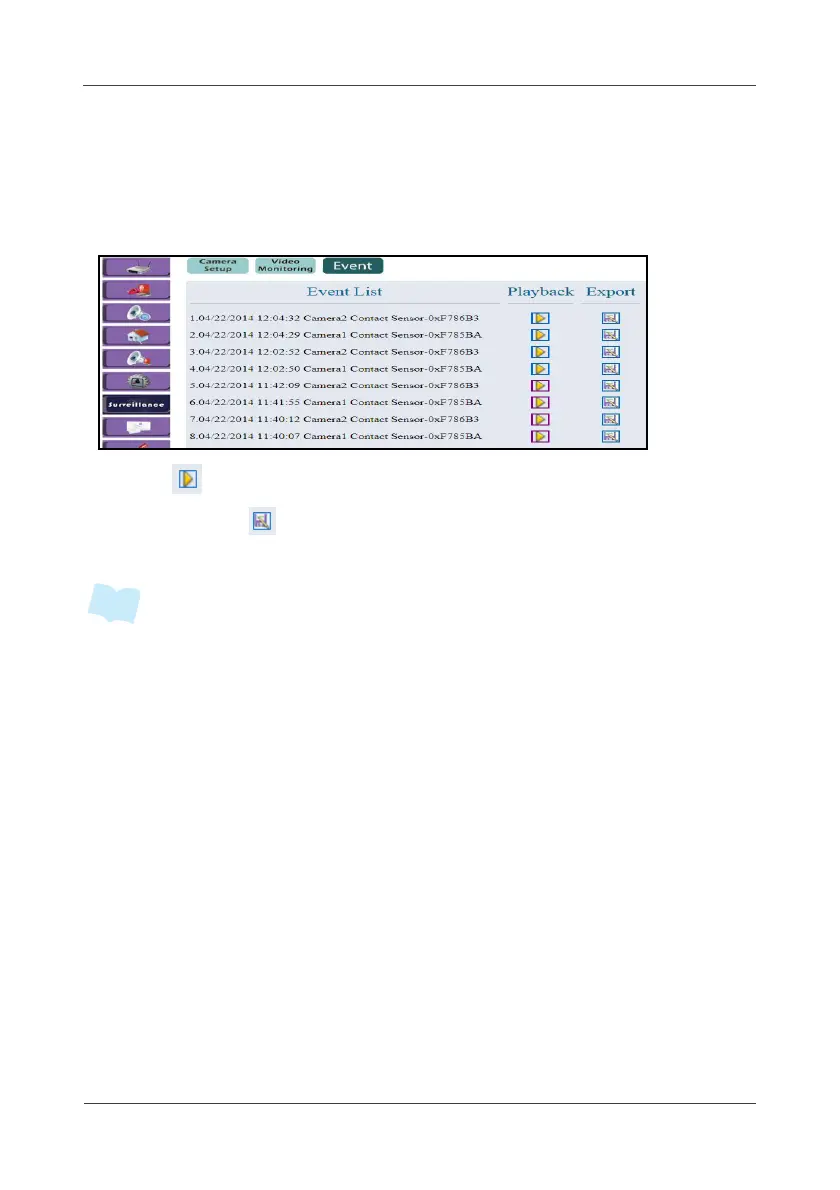
This option allows you to view the recorded videos or save the recorded file
into your computer.
1. To view recorded videos, select Event.
2. Click to play back the recorded file.
3. Right-click on and select “Save target as” to export the file into your
computer.
• The latest 50 events will appears on the Event List and all events are
automatically saved into the SD card installed on the Gateway. The maximum
memory card size is 32 GB.
• If the recorded file is H.264, please rename the file extension name to “.h264”
when you save it to your computer/notebook.



 To Next Page