Chapter 6: Appendix
EN-114
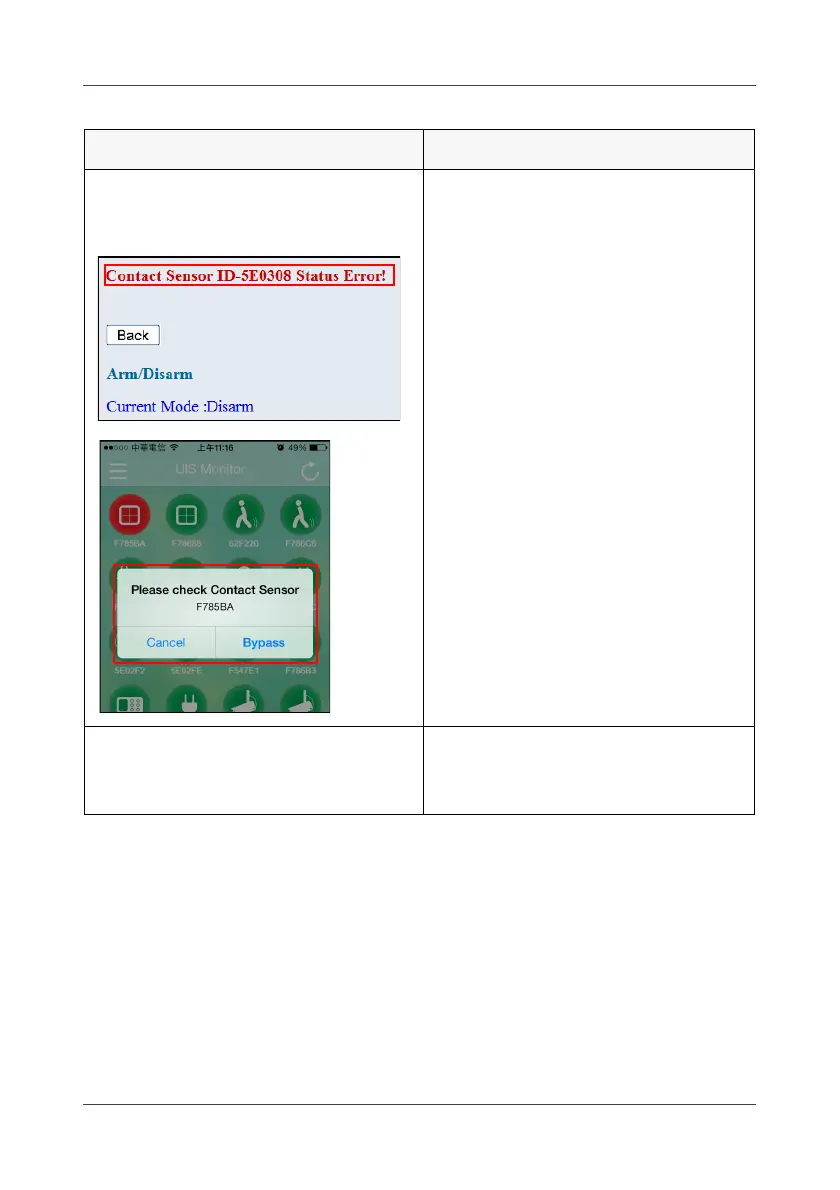
Got an error message when
enabling the arm mode to Partial
Arm or Full Arm.
Set the Contact Sensor to “close”
mode.
Note:
When the Contact Sensor is in
“open” mode, you cannot enable
Partial Arm and Full Arm mode.
Cannot access the WHTS web
console even if the AP (SSID) is
correct.
Unplug the power adapter from the
Gateway and plug in again to
reboot the system.
Problem Solutions



 To Next Page