Chapter 3: APP Management
EN-42
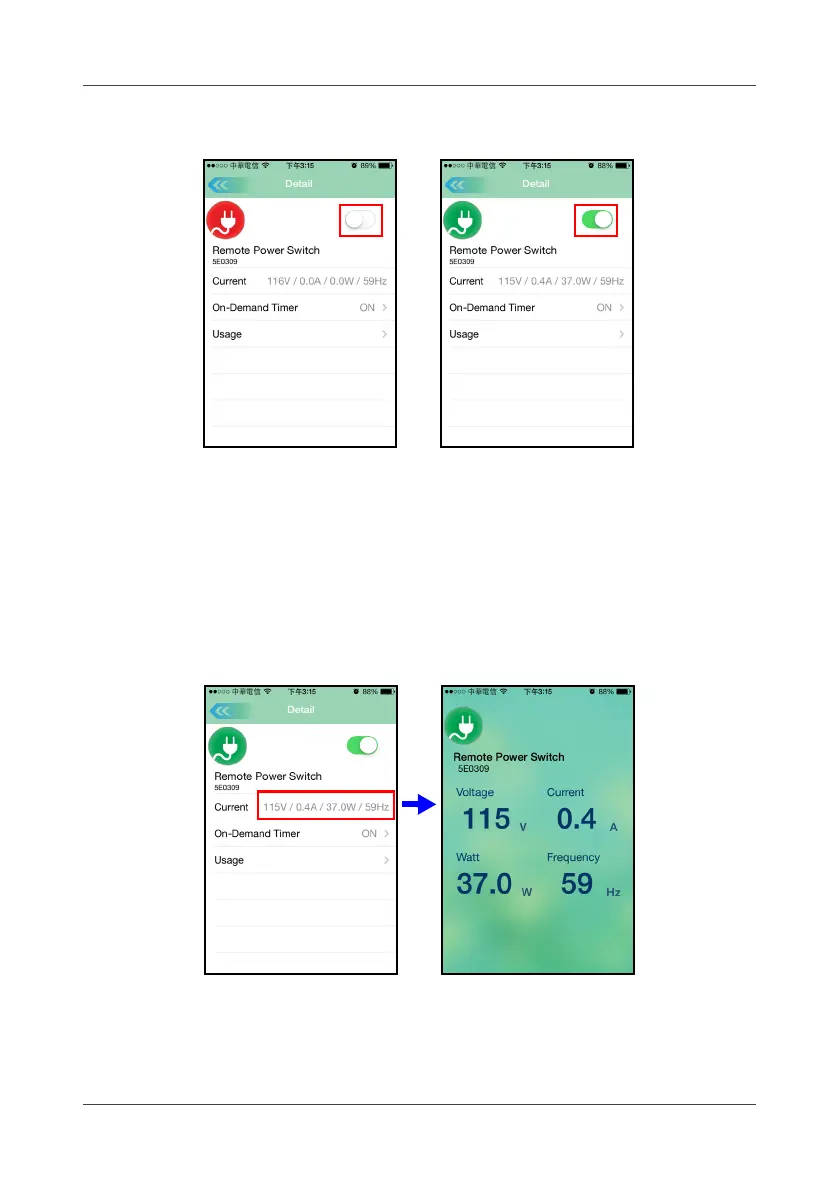
Select and touch the switch device icon once, then slide it to turn ON or OFF.
Siren can be turned ON or OFF randomly by touching the “Siren” icon.
3.19 Current Power Status
When power switching is turned on, the current measured value will show
voltage, current, power, and frequency.
Touch it to enlarge the display.
3.20 On-Demand Timer
Touch
On-Demand Timer
to select the power on timer.



 To Next Page