Chapter 3: APP Management
EN-45
3.23 Video Live View
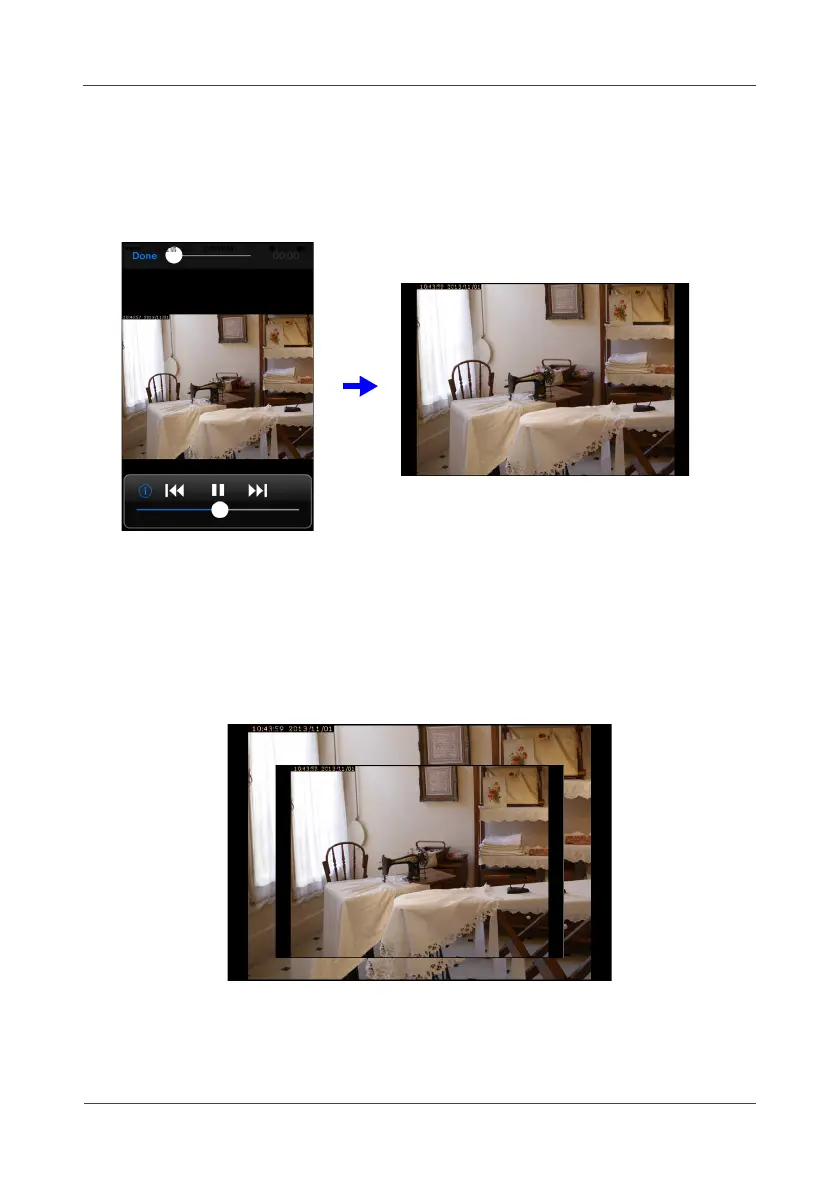
Select and touch IP camera’s icon to display the live video. To view the live
image of any camera on full screen, hold your smart handheld device
horizontally for better viewing.
3.24 Taking Screenshot
For iPhone/iPad, press both
Power
and
Home
buttons to capture a
screenshot of the current screen.
On most Android phones, press both
Power
and
Volume Down
buttons to
capture a screenshot of the current screen.



 To Next Page