Chapter 3: APP Management
EN-51
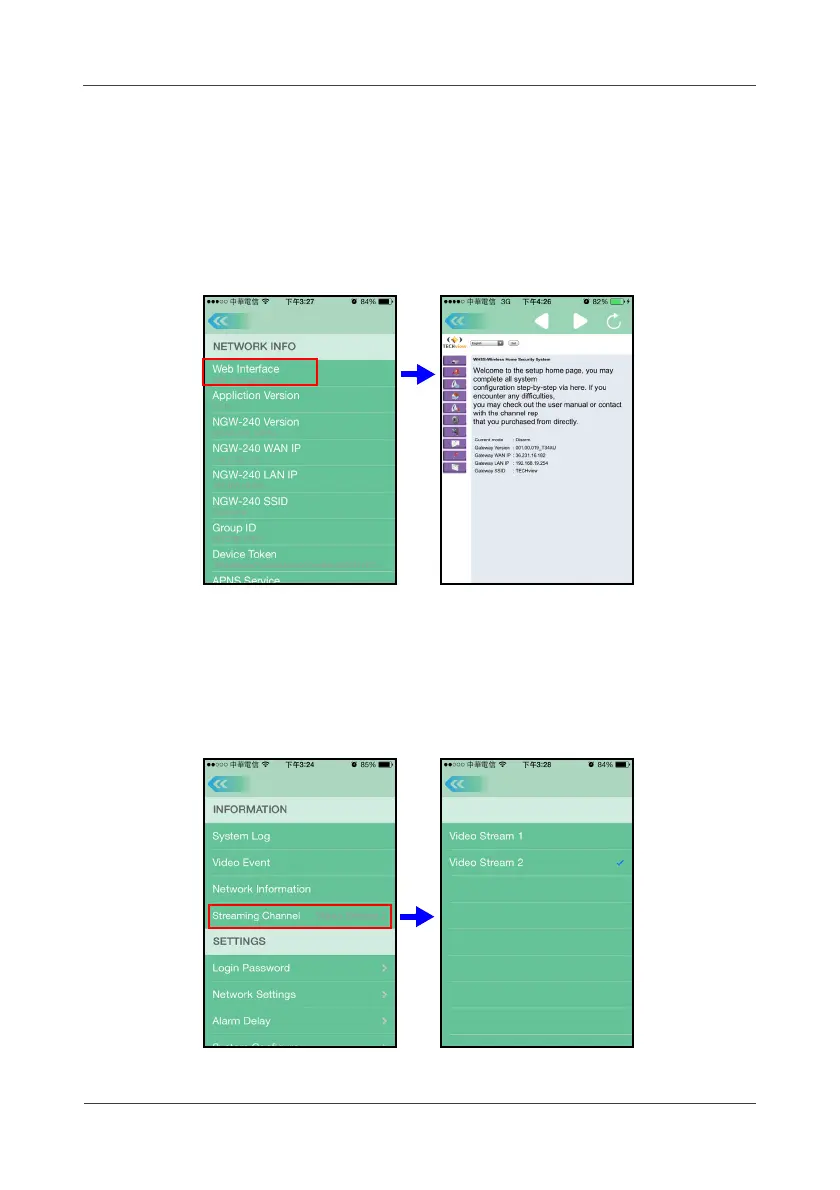
3.33 Website Interface
Touch
Options
>
MISC SETTINGS
>
Network Information
>
Website
to
enter the Gateway Web Management for changing the necessary settings (if
required).
The details on how to configure settings on the respective sensor, see
Chapter 4: Web Management on page 56.
3.34 Streaming Channel
Touch
Options
>
MISC SETTINGS
>
Streaming Channel
to select the video
streaming setting.
The default is “Video Steam 2”. This setting means the lower resolution and
suitable for mobile devices.



 To Next Page