Chapter 4: Web Management
EN-93
4.7.2 Monitoring
This option allows you to view live video via either RTSP mode or HTTP
mode.
1. To view live video, select Monitoring.
2. Click “IP camera name” to display video via RTSP mode.
Click to display video via HTTP mode.
• If you cannot view video in RTSP mode, install the VLC software first into your
computer. To download the VLC software, visit http://www.videolan.org/vlc.
• The Gateway can only support the video recording up to 4 IP cameras.
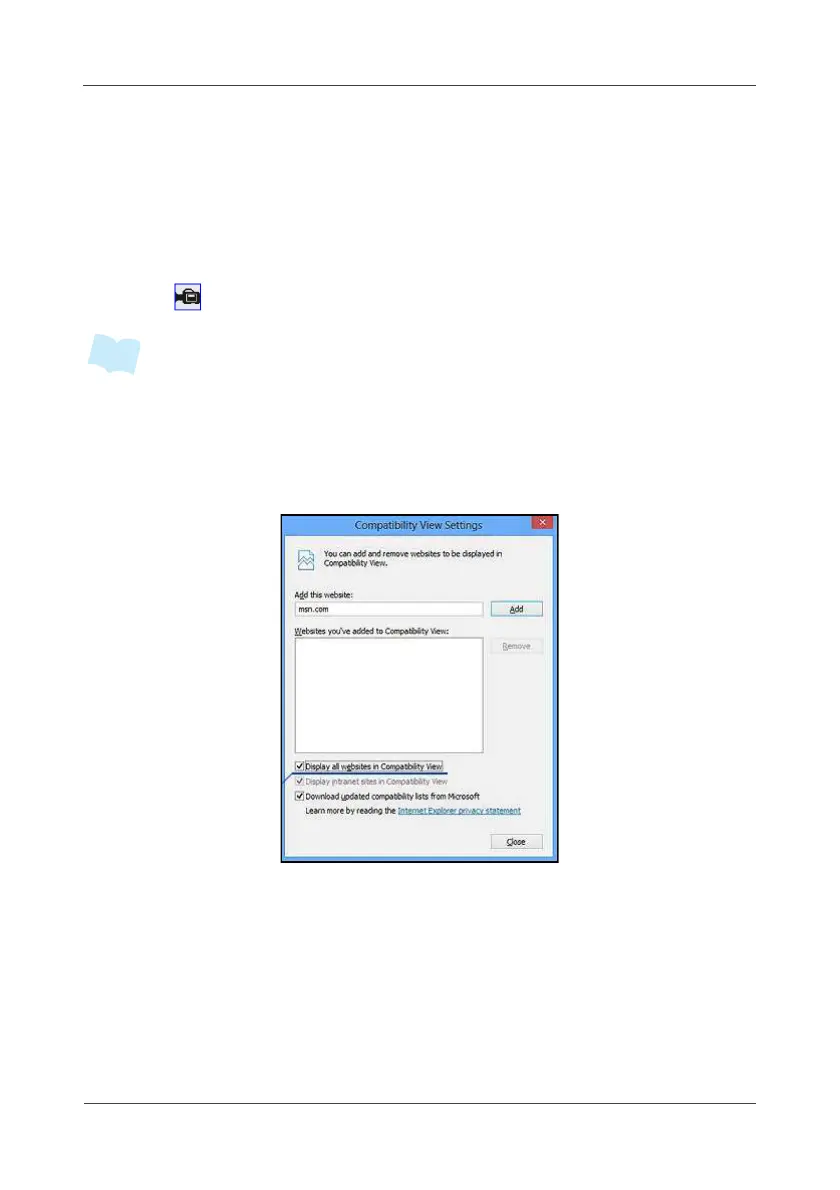
• If you using IE 10 browser, enable the “Display all website in Compatibility View”
option in Tools > Compatibility View Setting.



 To Next Page