12 | MULTI- ZONE / FROZEN FOOD VENDOR • 3576 • 4222618A
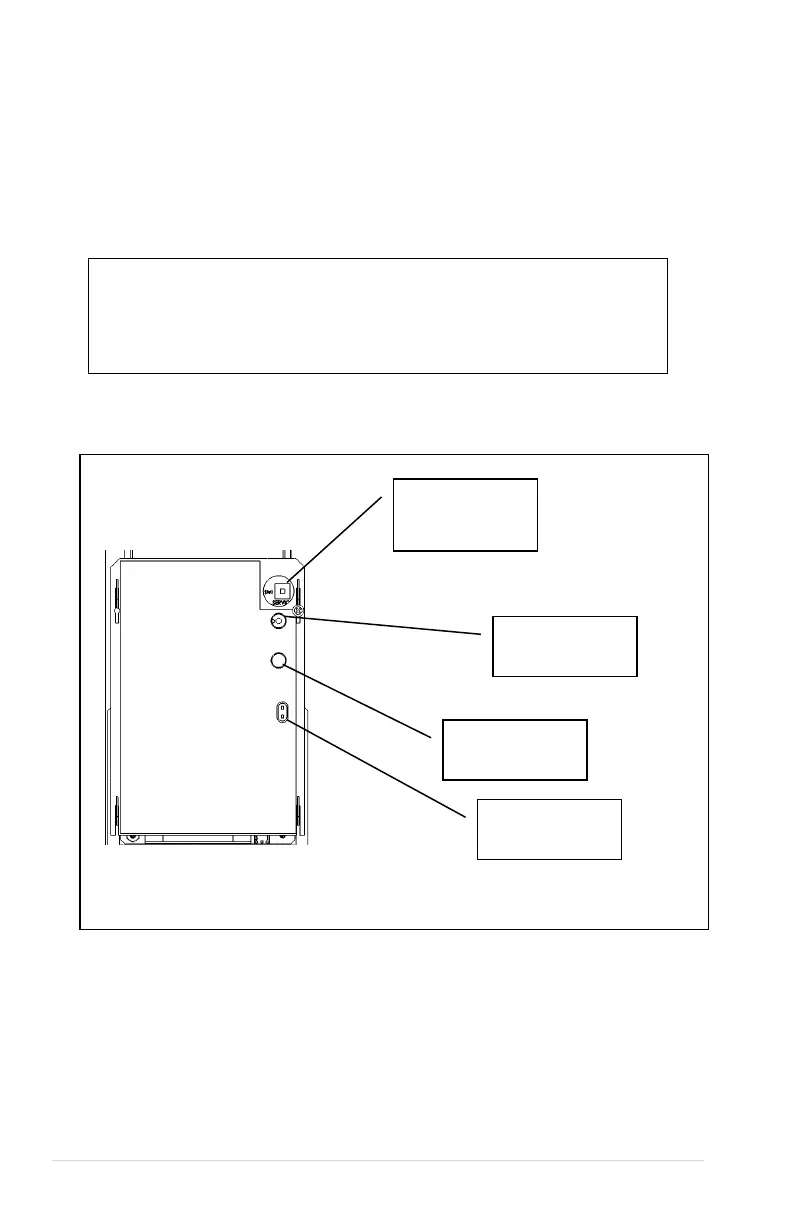
FIG 6. : Service Mode Button
SERVICE MODE
Use Service Mode to program and service the machine. Use the keypad as an input
device. Watch the display for information while in Service Mode.
SERVICE MODE BUTTON
To enter Service Mode, press the Service Mode Button located on the top or upper right
corner of the controller cover. See. To exit Service Mode, press the Service Mode Button.
NOTES
If credit exists when Service Mode is entered, it will be restored when the
machine returns to Sales Mode.
If no key is pressed for approximately 1 minute while in Service Mode, the
controller will automatically return to Sales Mode.
Service Mode
Button
Board Power
OPTIONAL DEX
MDB Status



 To Next Page