MULTI- ZONE / FROZEN FOOD VENDOR • 3576 • 4222618A | 5
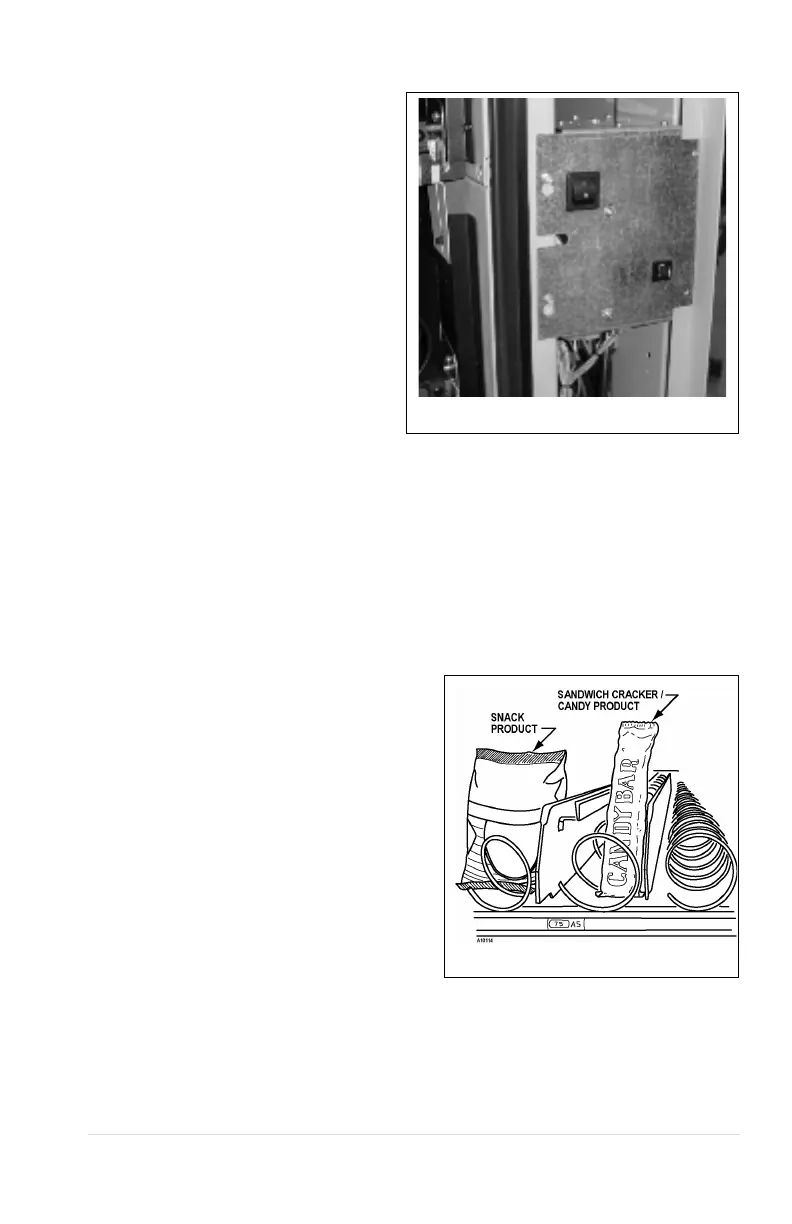
MAIN POWER SWITCH
Plug the power cord to a dedicated power
outlet. Open the vendor door. Turn on the
main power switch located on the center
right hand side of the vendor. See Figure
3.
Figure 3. Power Panel
LOADING PRODUCTS
Load product from front to back making sure all items fit freely between the auger spaces.
Do not attempt to force oversize items or packages into the spaces. Do not skip a space.
Place the product on the bottom of the compartment on the product augers with the label
facing the front of the vending machine for easy identification by the customer. See Figure .
SNACK/CANDY/FOOD TRAY OPTION
To load products, lift the tray slightly and pull
forward until the tray stops. The trays tilt for
easier loading.
The size of the item being vended must be
larger than the diameter of the auger being used
to vend properly.
Undersize items could cause vend problems. If
the product does not fit the auger properly, use
a different pitched auger (see Figure 4). Augers
available from your distributor or service entity.
Figure 4. Loading Products



 To Next Page