45
User Manual WMF1500S +
Software | Beverages
Cup volume, multiple brewing,
anddispensingoption
Cup volume
Set the desired filling volume. The recipe is adjusted
accordingly.
100 % indicates the previously saved value.
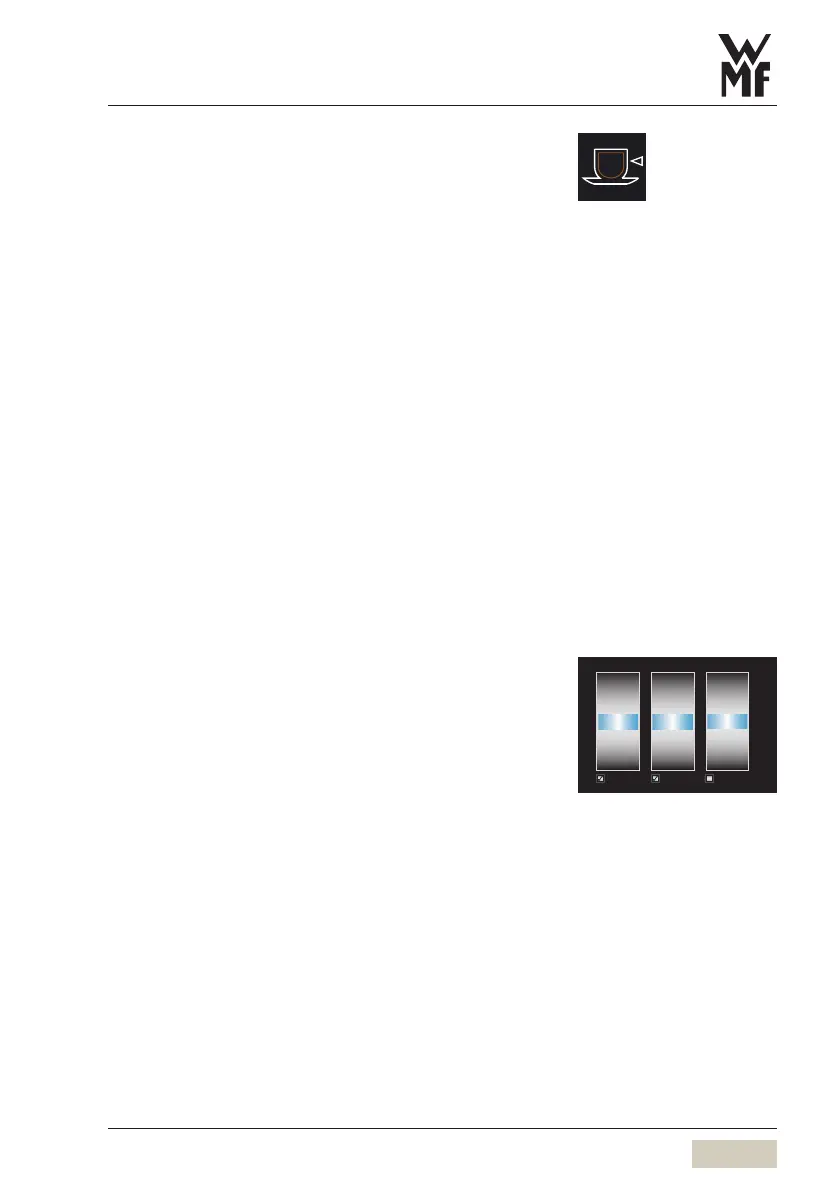
S-M-L Function
The S-M-L function is activated in the menu “System”.
The cup volume can also be set to adifferent general
level for all beverages using the operating options.
For individual beverages that deviate from the
standard, the S-M-L quantity can be changed under
cup volume.
Each size can also be individually set to active or
inactive. Inactive means that the size no longer appears
as aselection for the individual beverage.
Cup volume S-M-L
The recipes for the sizes Sand Lare generated.
Mis as set.
Default value:
S = 25 % less than the setting.
L = 25 % more than the setting.
Activate S-M-L and make achange
for all beverages
w Software
w System
page 72
Special buttons
w Operation
page 27
%
S-active Active L-active
72
73
74
75
76
77
78
97
98
99
100
101
102
103
122
123
124
125
126
127
128
Change S-M-L for individual
beverages
w Cup volume



 To Next Page