76
User Manual WMF1500S +
Software | Language
Customer cups
This option provides the ability for the customer to use
its own reusable cups in self-service mode.
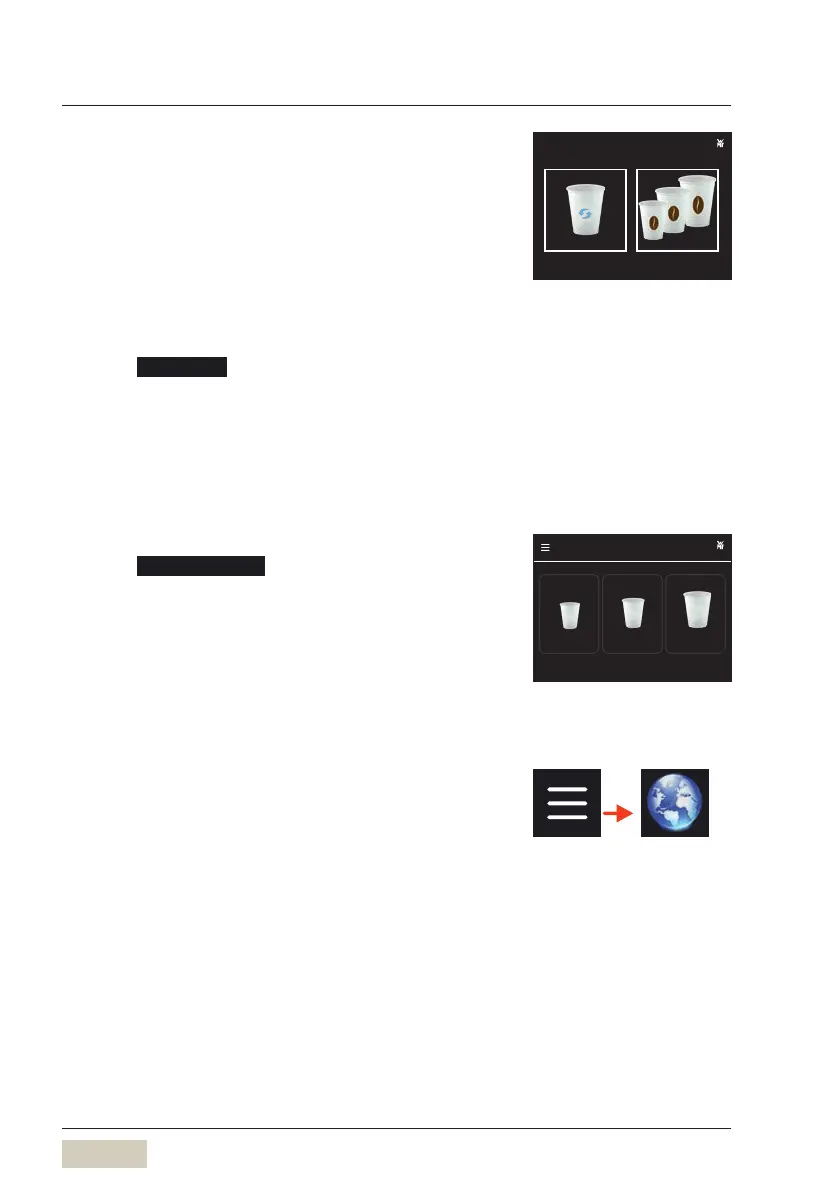
When the “Customer cups” option is activated, the
starting screen changes.
Here, in the cup detection, the starting screen can be
set as desired.
Using “Own cup”
Touch Own cup
The beverage selection is displayed.
Select desired beverage
The desired beverage size is requested.
Select the correct beverage size
The beverage is dispensed.
Using “Operator cup”
Touch Operator cup
The beverage selection is displayed.
Select desired beverage
The cup sensor automatically detects the size of the
cup under the spout and the beverage is dispensed
according to the S-M-L settings.
4.11 Language
The language used in the display is set here.
The available languages are displayed in English.
5000 S+
Own cup Operator cup
Starting screen with customer cups
5000 S+
Small Large Maxi
Espresso
Beverage size preselection



 To Next Page