72
User Manual WMF1500S +
Software | System
S-M-L Function
Activate the S-M-L function here.
Change symbols and texts here. Beverage sizes can be
changed based on the standard size (M).
Options: • active
• inactive
Default value:
inactive
Small
Standard modification factor for beverage sizes for
S-recipes that are newly activated.
Default value: 75 %
Large
Standard modification factor for beverage sizes for
L-recipes that are newly activated.
Default value: 125 %
Syrup (optional)
Assign names and symbols to syrups here.
Activate the available metered quantities
(single, double, big).
Nutritional information
Detailed information on about nutritional values and
ingredients can be captured here for each grinder,
portioner, milk, and milk foam.
An overview is available.
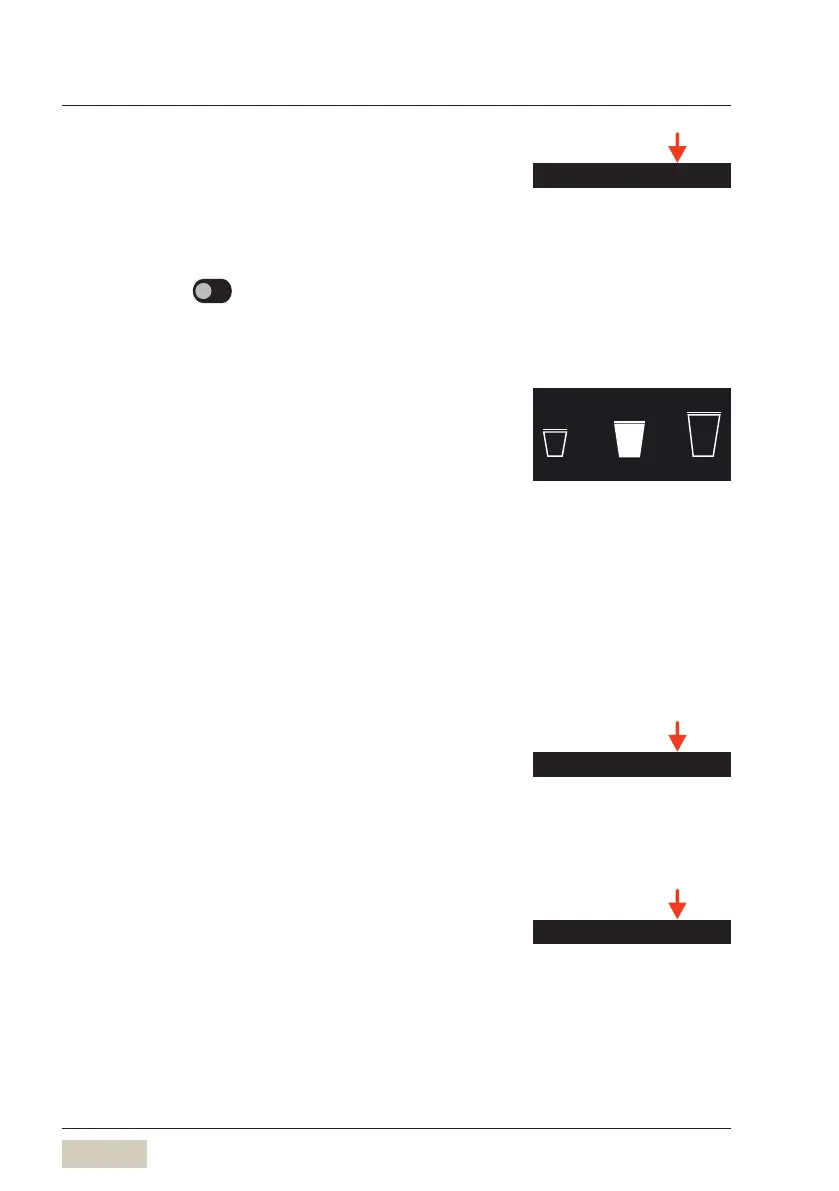
S M L
Cup volume S-M-L
w Software
w Beverages
page 44
Tip
Beverage sizes S-M-L can also be
defined in the recipe and are then
available directly as abeverage
button.
Detailed setting capability for the
syrup station
w User Manual for Syrup station
Nutritional information
DS_04_10_12



 To Next Page