78
User Manual WMF1500S +
Software | USB
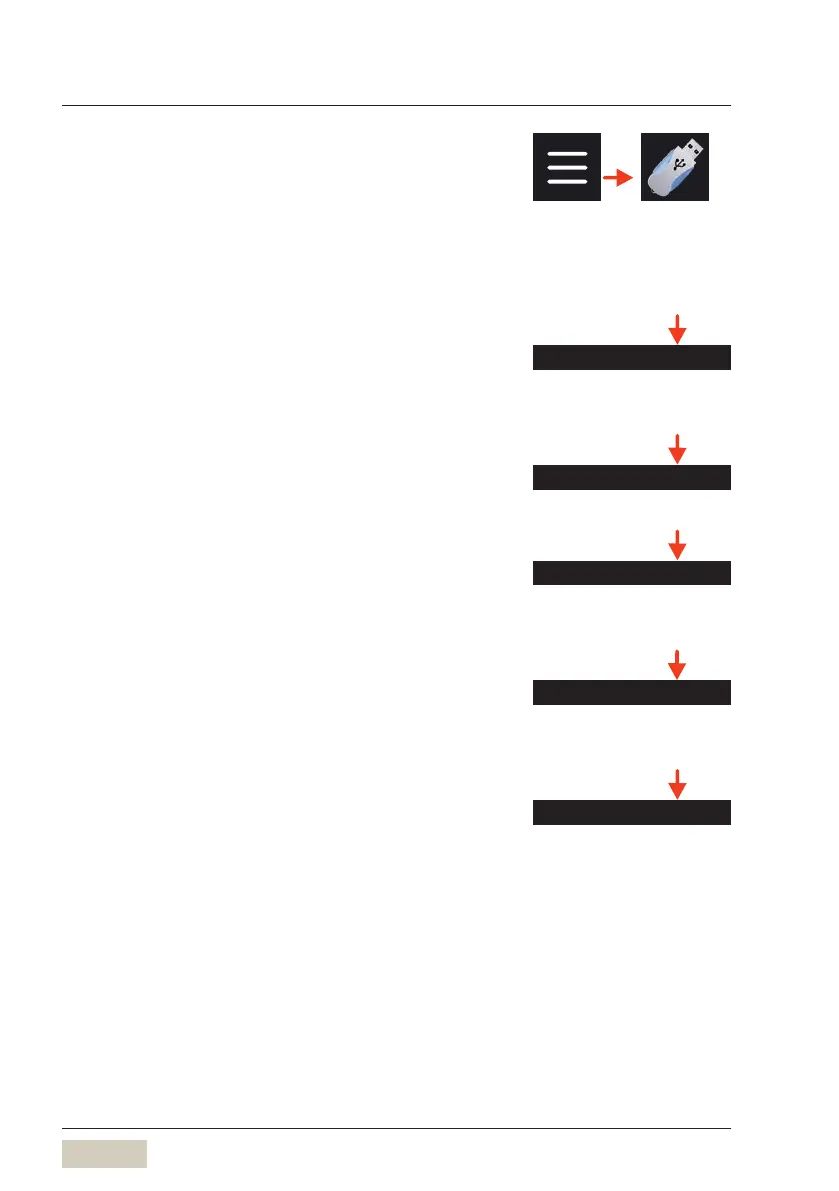
4.13 USB
Data exchange is possible via the USB connection.
Aslong as the USB stick is inserted, the functions will
be active.
The USB connection is at the top left on the reverse
side of the operating panel, behind acover.
Load recipes
The recipes stored on the USB stick are loaded to the
coffee machine here.
Load beverage symbols
Load photos or beverage symbols from USB stick.
Save recipes
Current recipes are exported from the coffee machine
to the USB stick here.
Save recipes as pdf file
The active recipes, all customer recipes, or all factory
recipes can be exported as PDF files.
Export counters
Current counter levels are exported from the coffee
machine to the USB stick here.
Load beverage symbols
DS_04_13_02
Save recipes as pdf le
DS_04_13_04
Export counters
DS_04_13_05



 To Next Page