EasyManua.ls Logo

WMF 1500 S+ - Button Layout; Eco Mode; Daylight Saving Time; Time Zone

WMF 1500 S+
132 pages
Print Icon
To Next Page IconTo Next Page
To Previous Page IconTo Previous Page
Loading...
65
User Manual WMF1500S +
Software | Timer
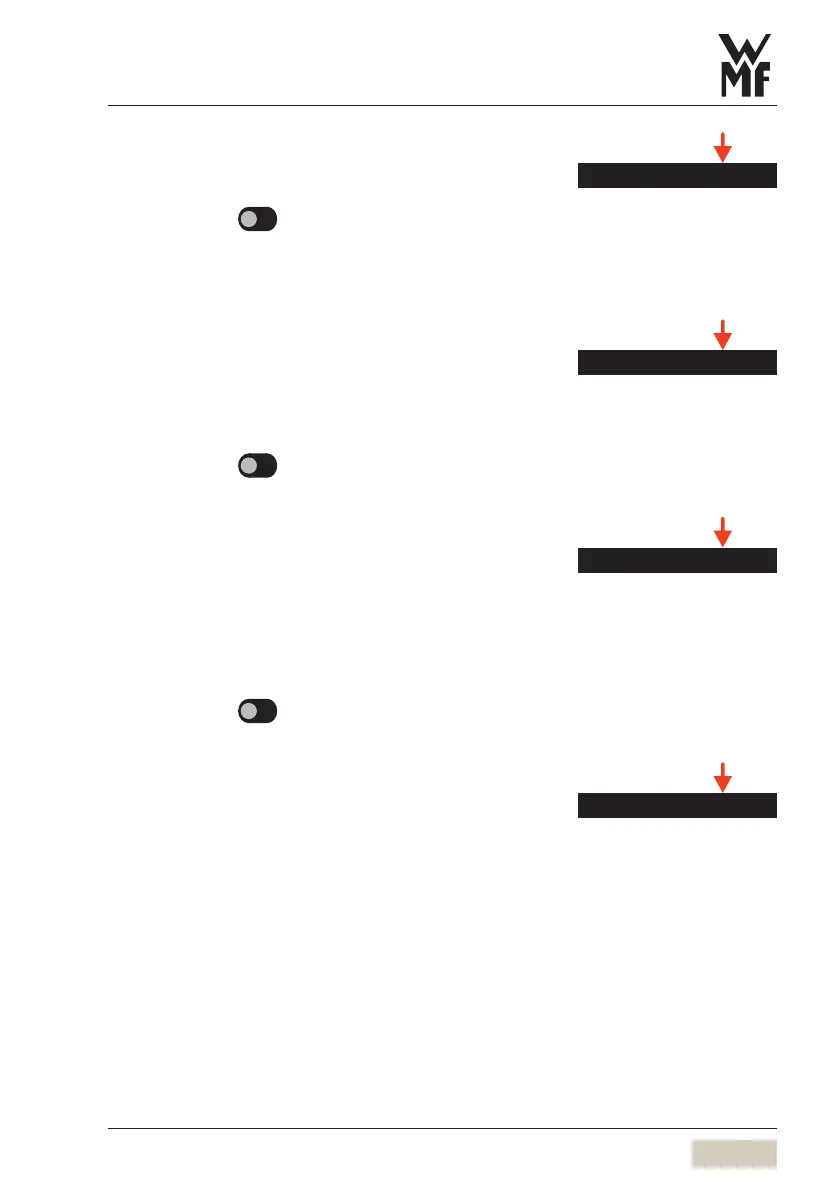
Button layout
Options: active
inactive
Default value:
inactive
active Button layouts can be assigned automatically
via the timer.
Eco mode
This setting determines whether Eco mode timers can
be adjusted.
Options: active
inactive
Default value:
inactive
Daylight saving time
Set whether to switch to daylight saving time
automatically here.
This menu is displayed only if no telemetry module
isinstalled.
Options: active
inactive
Default value:
inactive
Time zone
The time zone can be set here.
Button layout
DS_04_09_06
Eco mode
DS_04_09_07
Daylight saving time
DS_04_09_02
Time zone
DS_04_09_03

Table of Contents

Related product manuals