34
User Manual WMF5000 S +
Software | “Ready to operate” display
4.2 “Ready to operate” display
The display shown when “Ready to operate” depends
on the individual settings and options of the coffee
machine.
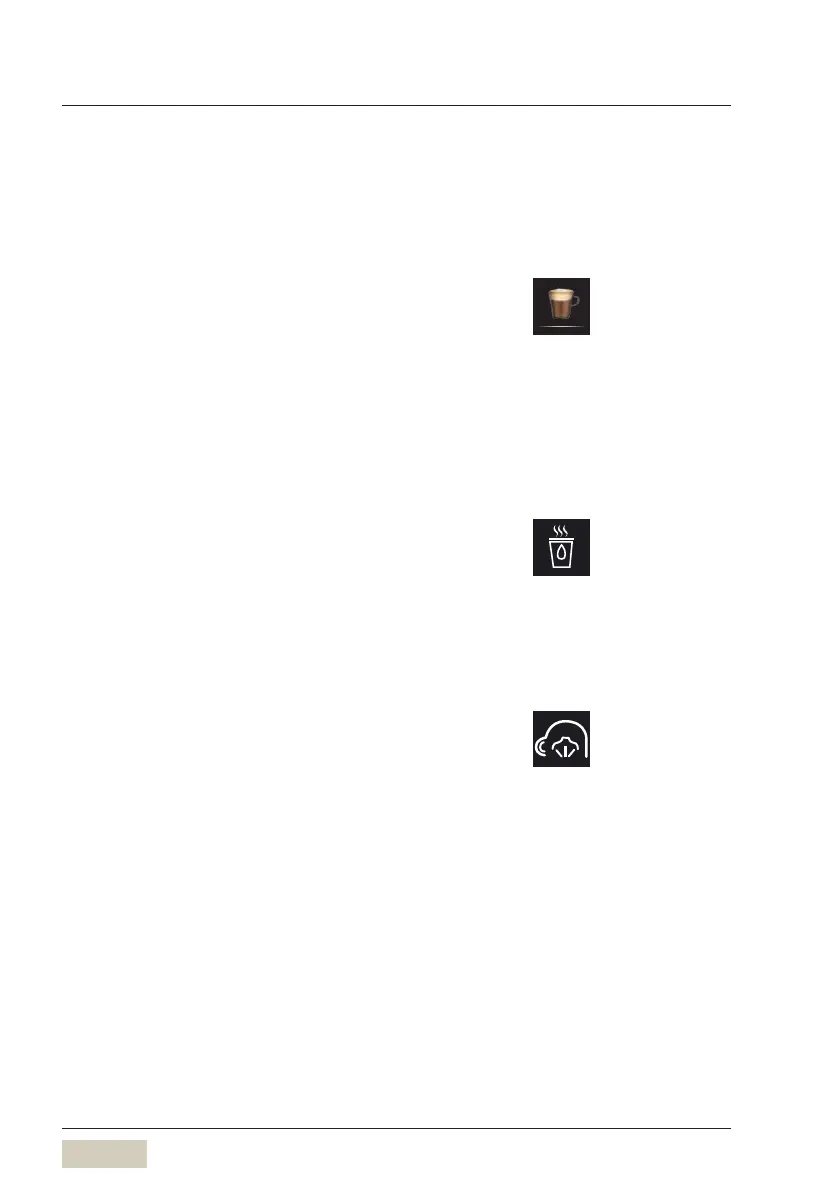
4.2.1 Beverage buttons
All beverage buttons that are ready to dispense are
illuminated.
Depending on the button layout selected, ahorizontal
swipe on the display can bring up additional beverages.
4.2.2 Function line
Hot water button
Hot water button or hot water dispensing.
Depending on the settings, touching this hot water
button brings up aselection of three dispensing
temperatures in two beverage sizes each.
A beverage button can also be assigned for hot water.
SteamJet pad
For heating cups.
Cappuccino
Example: Cappuccino button
Button layout
w Operating options
page 51
SteamJet pad
page 49



 To Next Page