78
User Manual WMF5000 S +
Care | Manual cleaning
5.4 Manual cleaning
5.4.1 Clean the operating panel (CleanLock)
Touch CleanLock
A 15-second countdown starts.
The touch display can now be cleaned.
The touch display is activated again 15seconds after
the last time it was touched.
Scalding hazard
• Risk of injury of beverage is started
accidentally.
> Always lock out the touch display with
“CleanLock” before cleaning.
• There is arisk of causing scratches or scoring.
> Do not clean with scouring powders or the
like.
> Do not use any sharp cleaners or implements.
> Use soft cloths for cleaning.
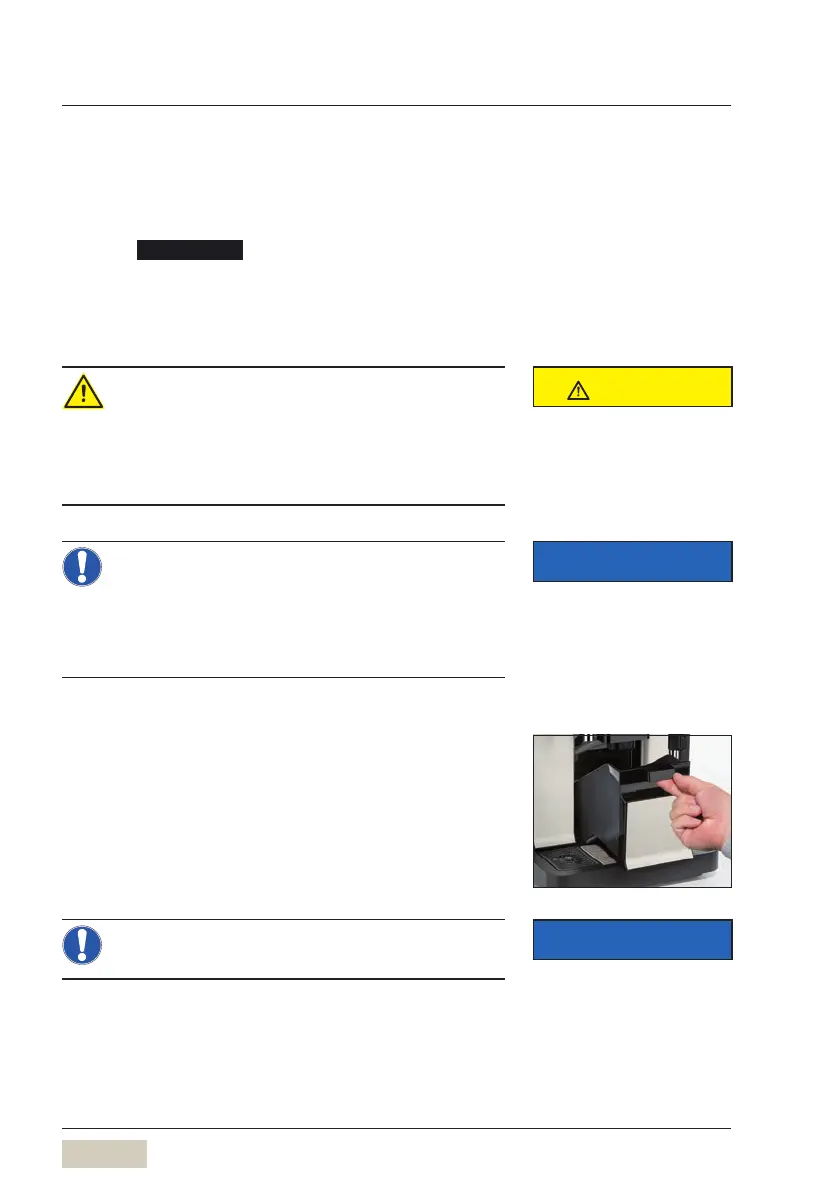
5.4.2 Clean the grounds container
(groundschute, optional)
Empty grounds container and rinse under running
drinking water
Clean with aclean, damp cloth
Dry the grounds container and replace it
> Never use force. Danger of breakage.
Order numbers for the WMFcare
program
w Accessories and spare parts
page 105
CAUTION
Follow the Safety chapter
w starting on page 7
IMPORTANT
Follow the Warranty chapter
w starting on page 100
IMPORTANT
Follow the Warranty chapter
w starting on page 100



 To Next Page