40
User Manual WMF5000 S +
Software | Beverages
4.4 Beverages
General information
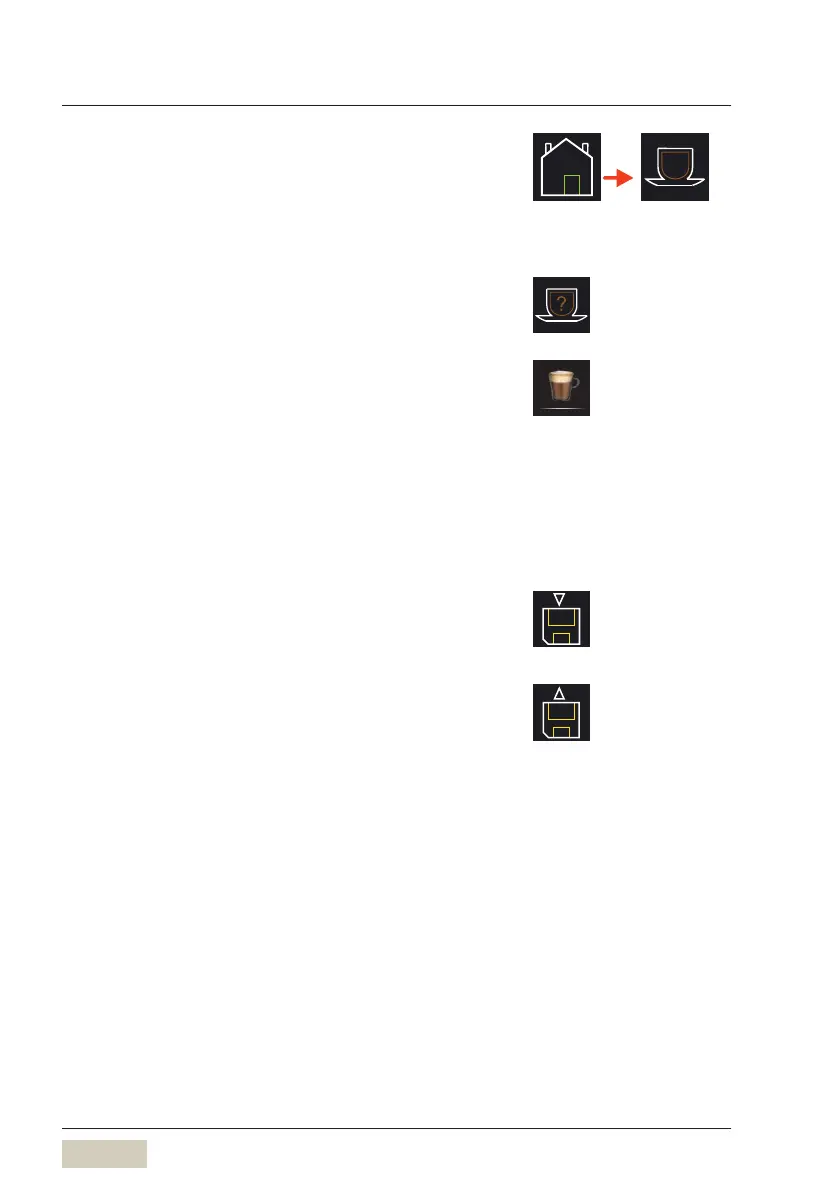
Dispensing test
For many beverage settings, it is possible to start
adispensing test with the new settings before the
recipe is saved.
Modify the settings as desired
Touch the “Dispensing test” pad
The beverage is dispensed using the newly changed
values.
If the beverage is as desired, touch the Save symbol
The recipe is saved.
Save recipes
The modified recipe is saved.
Load recipes
A saved recipe is loaded to abeverage button here.
Touch abeverage button
Touch the “Load recipes” pad
A submenu opens.
Mark the desired recipe
Touch the “Save recipes” pad
The beverage button is assigned to the newly selected
recipe.
Cappuccino
Example: Cappuccino button



 To Next Page