63
User Manual WMF5000 S +
Software | System
Quality Check (DynamicMilk)
External influences can cause changes to the milk
temperature, milk foam volume, and milk foam quality
in the milk system.
The “Quality check” menu can be used to reset the
settings to their base values.
Fill the blue cleaning container with cold water
Connect the milk hose
Place ameasuring cup with approx. 500ml capacity
under the spout
Start the calibration
As soon as the measuring cup has been filled with
500ml (+/- 20ml), stop the calibration
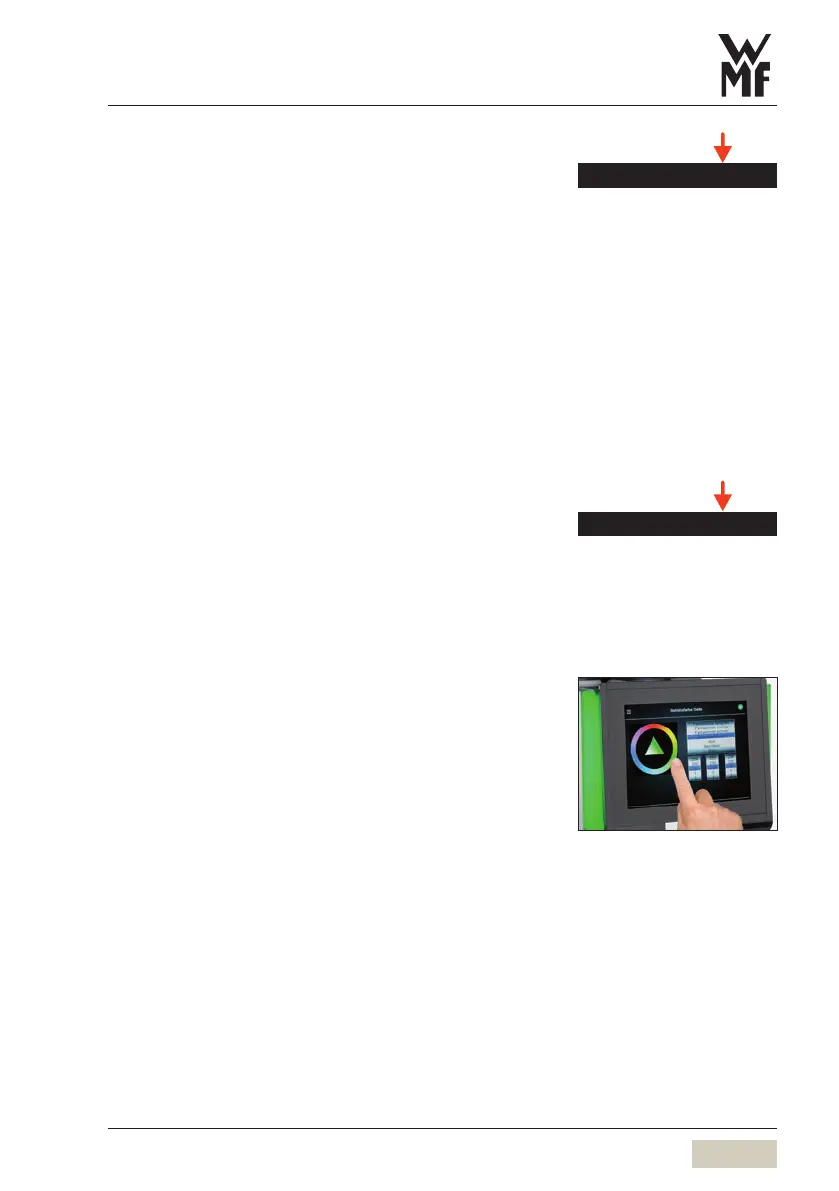
Display and illumination
Illumination
The illumination colour is set here.
Set the desired colour from the colour circle above
the triangle. The colour can also be defined and set by
means of RGB values.
There are also the following options:
• Slow colour change
• Standard colour change
• Quick colour change
• Off
The current setting is displayed immediately.
Illumination when ready to operate
•Operationsidescolour
Quality check
Display and illumination



 To Next Page