43
User Manual WMF5000 S +
Software | Beverages
Change recipes
Current recipe composition:
Espresso
9g, 36ml
Coffee
Milk
Espresso
Milk foam
Cold milk
Hot water Pause
Milk pause Choc
Preparation order -> approx. quantity /ml 176
Storage
Default additions:
i Touch the desired addition and drag it
Milk foam
140 ml
Beverage settings cappuccino
Change recipe
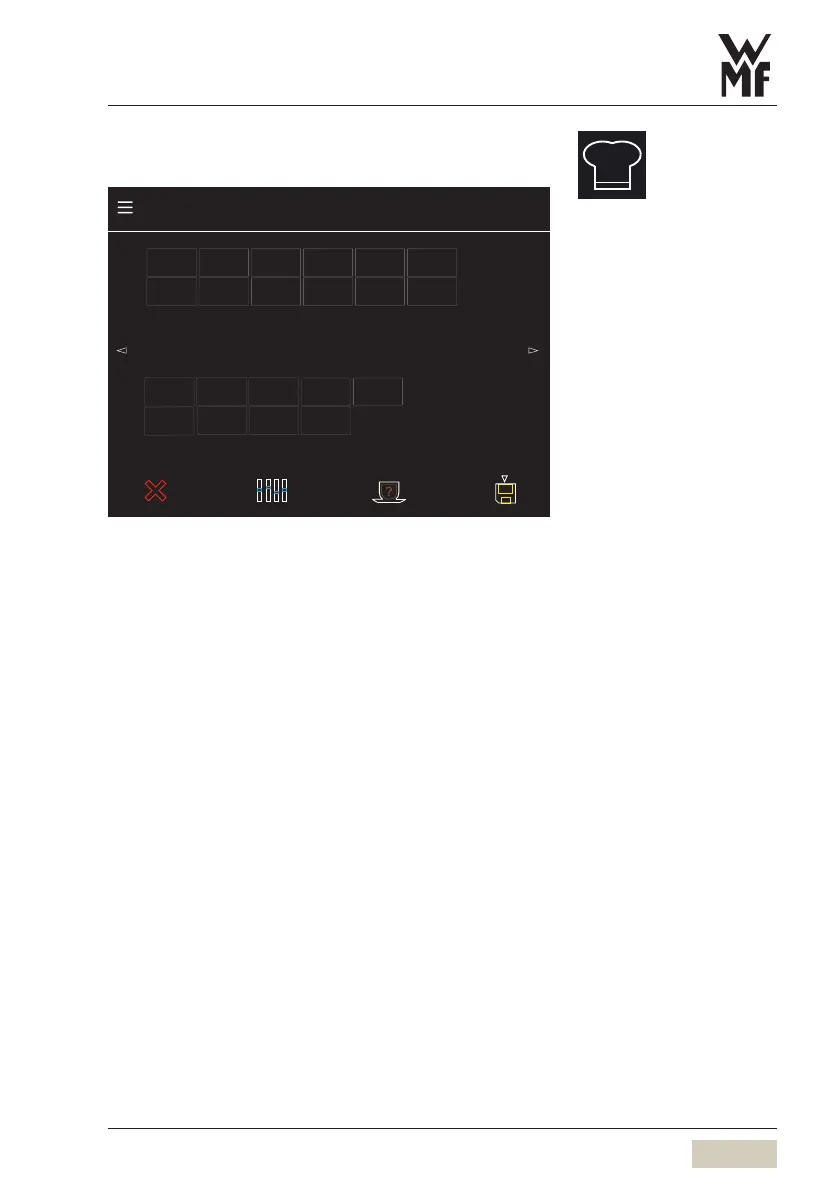
Current recipe composition
The additions in the recipe are displayed here.
The sequence of preparation is from left to right.
Additions that are above or below each other are
processed at the same time.
The software indicates whether desired options are not
technically possible.
Inventory of factory additions
The additions that can be used for the recipe are
shown here.
Press the desired addition and then touch the
desired position in the recipe composition again
The addition is immediately inserted at the desired
position.
Menu control pads
w Overview
page 32



 To Next Page