50
User Manual WMF5000 S +
Software | Operating options
Error message
The error is displayed in various colours in the header
bar on the display.
Options: • active
• inactive
Default value:
active
active The errors are shown on the display as atext
message.
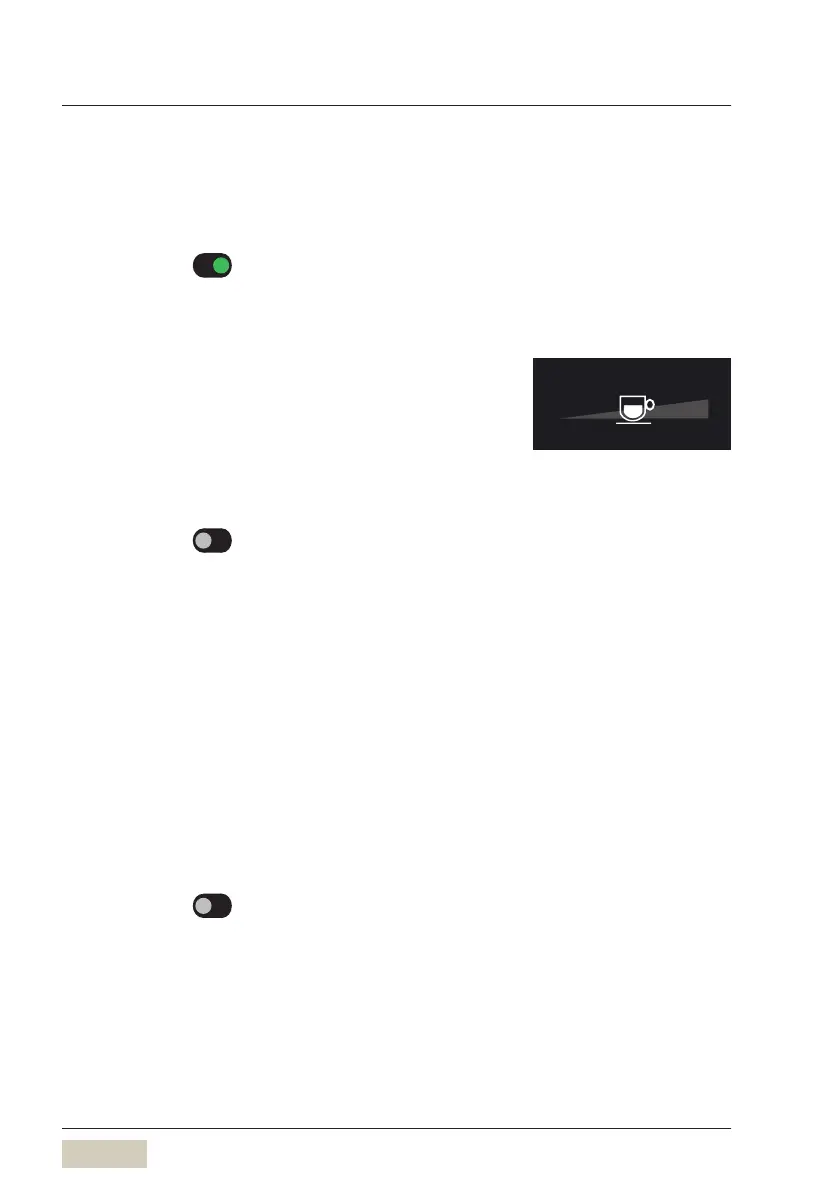
Cup size adjustment
The free selection of cup volume can be activated in
the operating options.
The cup volume can be adjusted to the cup size used
prior to selecting the beverage.
Options: • active
• inactive
Default value:
inactive
Sliding the cup on the controller to the right increases
the cup volume, and sliding left reduces it.
The cup volume is indicated in percent.
Controller in the centre 100 % as set
Controller all the way left 50 % less
Controller all the way right 50 % more
Second type of milk (optional)
A second type of milk is activated here.
There is an option to dispense a second type of milk.
This could be skim milk or a soy drink, for example.
Options: • active
• inactive
Default value:
inactive
100 %



 To Next Page