EE--SSeerriieess WWaallll OOvveenn
EE--SSeerriieess WWaallll OOvveenn
Electronic Control System
3-10
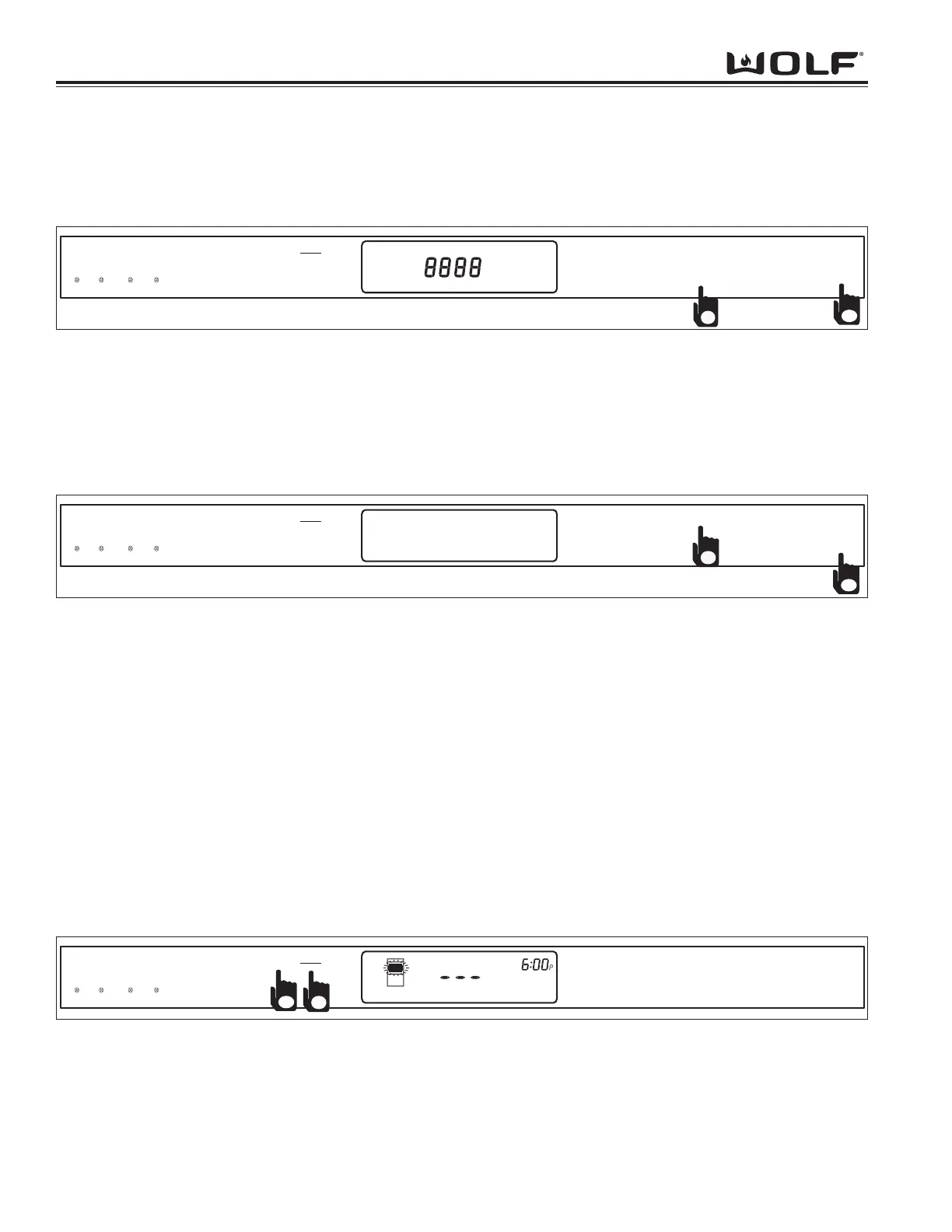
Figure 3-13. Setting LCD Contrast
Figure 3-15. Choose Oven and Light Setting
LCD Contrast Selection
Upon entry into this step, the LILA will display "SELECT LCD CONTRAST LEVEL 1-9. PRESS ENTER TO CONTIN-
UE". The URL will display the current level as appropriate: 1-9, with 5 being the default setting. The MTD will display
8888 at the current contrast setting. Pressing ENTER will cause the user option mode to advance to the first step in
the user settings menu..
Figure 3-14. Setting Beeper Tone
Beeper Tone Selection
Upon entry into this step, the LILA will display "SELECT BEEPER TONE. (1 - LOW, 2 - MEDIUM, 3 - HIGH). PRESS
ENTER TO CONTINUE". The URL will display the current level as appropriate: LOW, MEDIUM, or HIGH. The pitch
of the beeper will adjust as appropriate. Pressing ENTER will cause the user option mode to advance to the first
step in the user settings menu..
Sabbath Feature
Sabbath Feature was incorporated into the electronic control system for the observance of certain religious holidays.
Once Sabbath Mode has been entered, all of the oven functions have been disabled except the OFF key.
To initiate Sabbath feature, the oven must be OFF. Press UPPER/LOWER key for a double oven model to choose
the oven being used. Turn on the interior oven lights by pressing the OVEN LIGHT key (Optional)(See Figure 3-15).
Press the BAKE or ROAST key. A preset temperature of 350° will be shown in the display. (See Figure 3-16) To
change temperature, immediately enter another temperature using the number keys, then press ENTER. Now,
press and hold the ENTER key for five seconds. The oven will chime twice and the word SABBATH appears in the
lower information line. (See Figure 3-17). Repeat these steps above for each oven(s). To exit the Sabbath Mode,
press both the UPPER and LOWER OVEN OFF key or the OVEN OFF key, depending on model.
NOTE: The oven(s) will remain on until the Sabbath Mode is cancelled.
NOTE: Throughout Sabbath Mode, lights will remain unchanged, and chimes will be disabled- only BAKE and
ROAST are offered in Sabbath Mode- only SABBATH, temp, and oven icon are displayed



 To Next Page