31
6.10 Accessories
Electrical accessories include all lights, pumps, and gauges assembled into your catamaran. Certain
accessories are standard to each model, while others are oponal equipment. Below is a list of accessories
and their funcon. For informaon on oponal equipment see Chapter 10 in this manual.
6.10.1 Navigaonal Lights
Per USCG guidelines, all powered vessels must have navigaonal and anchor lights. Every World Cat is
equipped with navigaonal lights at the bow (red on port side, green on starboard side). The anchor light will
be located either on the hardtop or on a pole light near the stern. These lights must be used in accordance
with USCG regulaons when anchored or underway.
6.10.2 Cockpit Lights
Cockpit lights are located at oor level throughout the deck to provide light while operang in low light
condions. Cockpit lights can funcon either on a white seng or a red seng.
6.10.3 Cabin / Console Lights
Lights located in the cabin or in consoles have an integrated power switch and are ed directly into the fuse
block. Operate them with the switch located at the base of the light.
6.10.4 Spreader Lights
Spreader lights are integrated in to the hardtop and illuminate the cockpit in low light condions. They are
controlled through the mechanical push buon switches on the dash panel.
6.10.5 Dome Lights
Dome lights are integrated into the hardtop and feature both white and red lamps for nighme operaon.
They are controlled through the mechanical push buon switches on the dash panel.
6.10.6 Docking Lights
The bow of your World Cat 280DC-X is equipped with integrated high-intensity LED docking lights, which
are operated from the main dash control panel. These lights can help with maneuverability in low-light
condions while docking.
6.10.7 Bilge Pump / Float Switch
Bilge pumps evacuate standing water in two a and two forward bilge areas. They can be operated manually
by pressing the switches on at the dash panel, or automacally by the oat switch. The oat switches are
connected to a breaker on the baery management panel.
6.10.8 Raw Water Pump
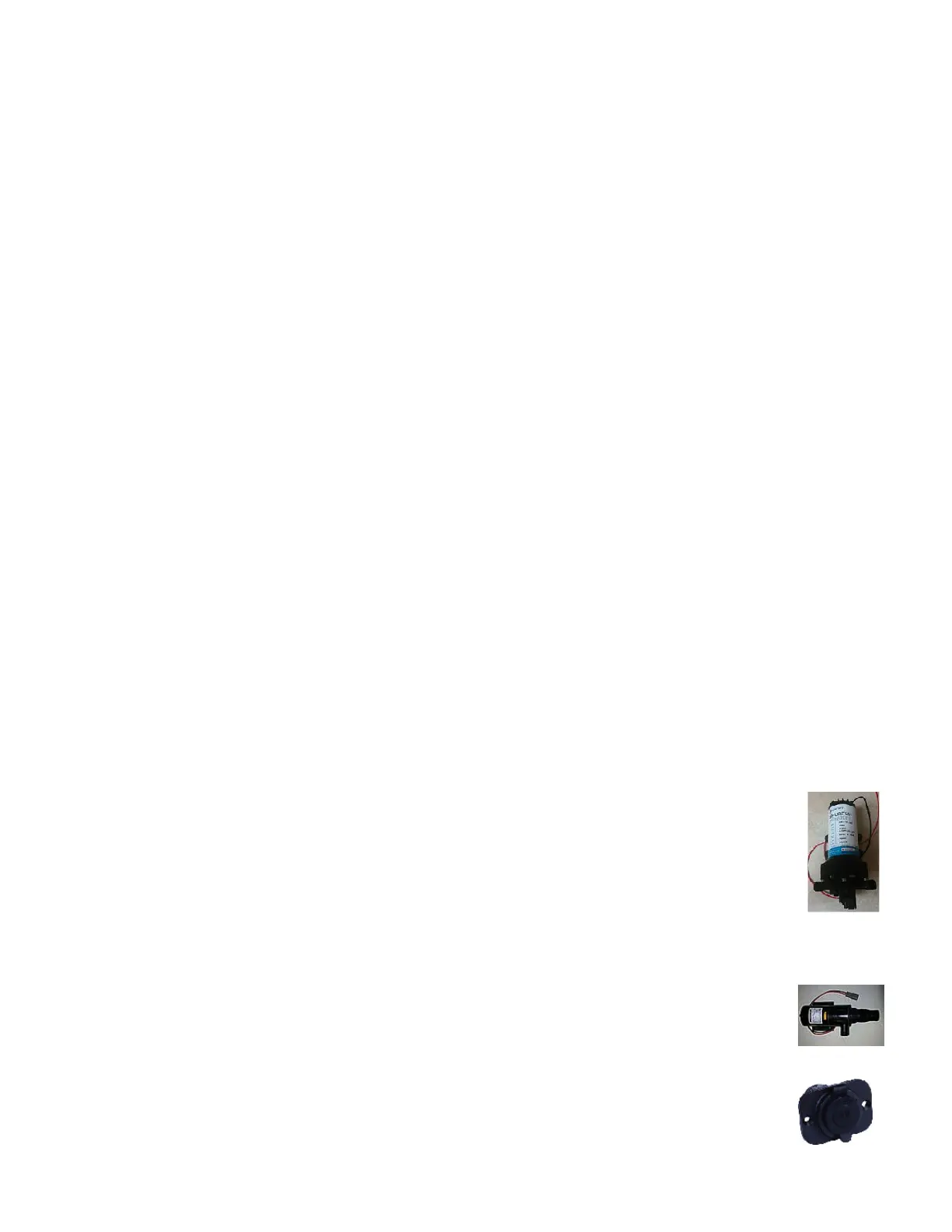
The raw water pump supplies pressure to the raw water system. It contains a pressure switch
similar to a residenal well pump. The pump has a switch at the dash and can be le on at all
mes while underway. The pump is located in the port a mechanical compartment.
6.10.9 Freshwater Pump
The freshwater pump supplies pressure to the freshwater system, and is located in the port
mechanical room. It contains a pressure switch similar to a residenal well pump. You can leave
this appliance on at all mes while underway.
6.10.10 Macerator Pump
Used to evacuate waste from the marine head holding tanks. The pump is located under the
sink in the port head area.
6.10.11 12V / USB Outlet
Located strategically throughout the boat, these outlets provide power to aermarket
accessories such as cell phones, electric reels, and spotlights. Each outlet is independently
wired to the fuse panel.



 To Next Page