EasyManua.ls Logo

XENO 4CH - Page 12

XENO 4CH
126 pages
Print Icon
To Next Page IconTo Next Page
To Previous Page IconTo Previous Page
Loading...
Users Manual | 12
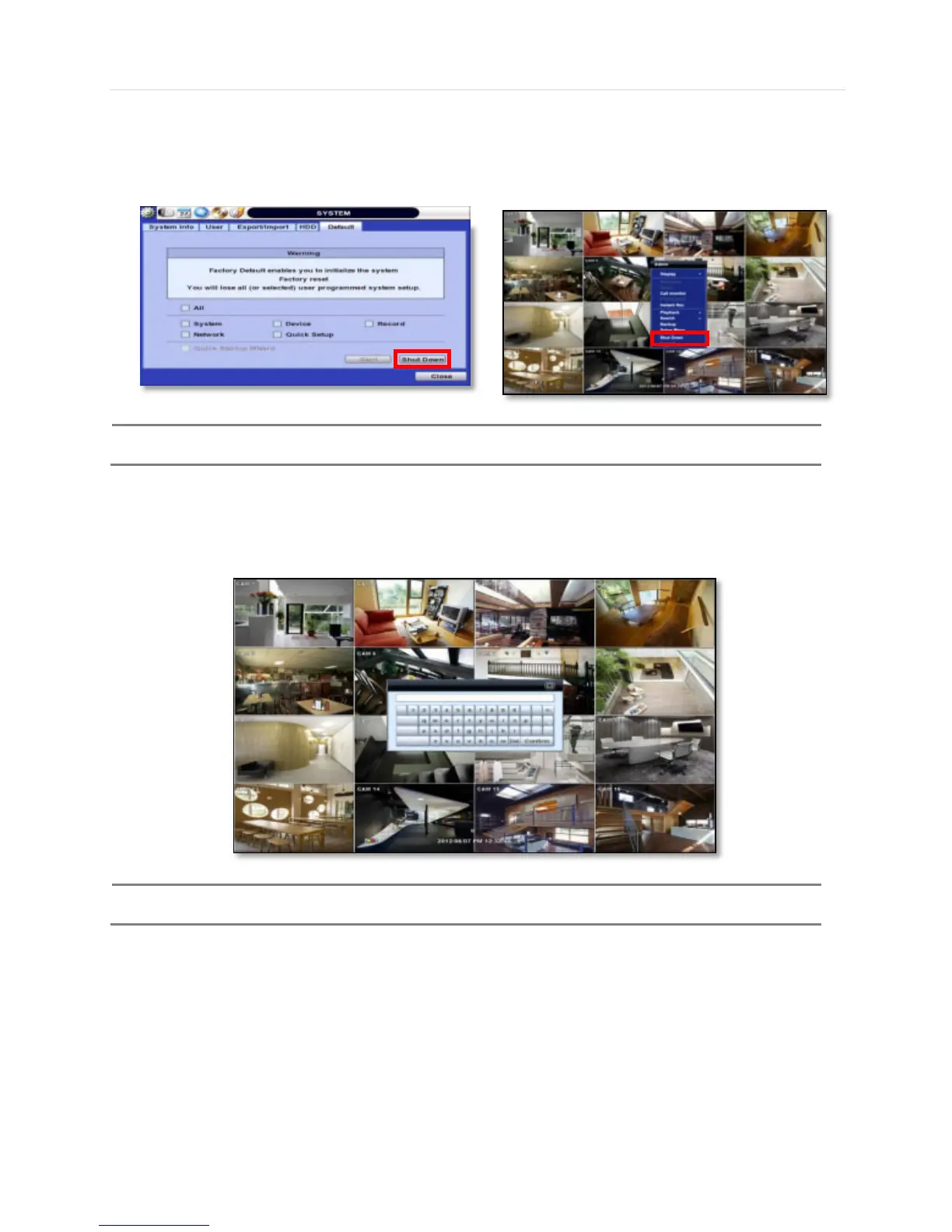
1.3.2 System Shutdown and change password
Option 1. Click the Shutdown button and input password on pop-up to power off the DVR
Option 2. Click the right button on the mouse and select the Shut Down to power off the DVR.
N
OTE
It is not recommended to disconnect the power cable abruptly from the back of the DVR because it may
affect the DVR and Hard Drive.
The default password for admin account is none. Therefore, just click Enter button on the dial pad. If you changed the
password for admin account, please type in the changed password to login.
N
OTE
User can type in the password using the virtual keyboard or the numeric buttons on the IR remote
controller.

Related product manuals