User’s Manual | 18
3.2.2 Channel Selection
Channel selection can be done by following one of the steps below:
1. CH1~CH16 buttons in the IR Remote Control.
2. 1~16 virtual buttons at the bottom of the GUI display.
The display mode can be changed by pressing the ‘MODE’ button on the DVR’s front panel.
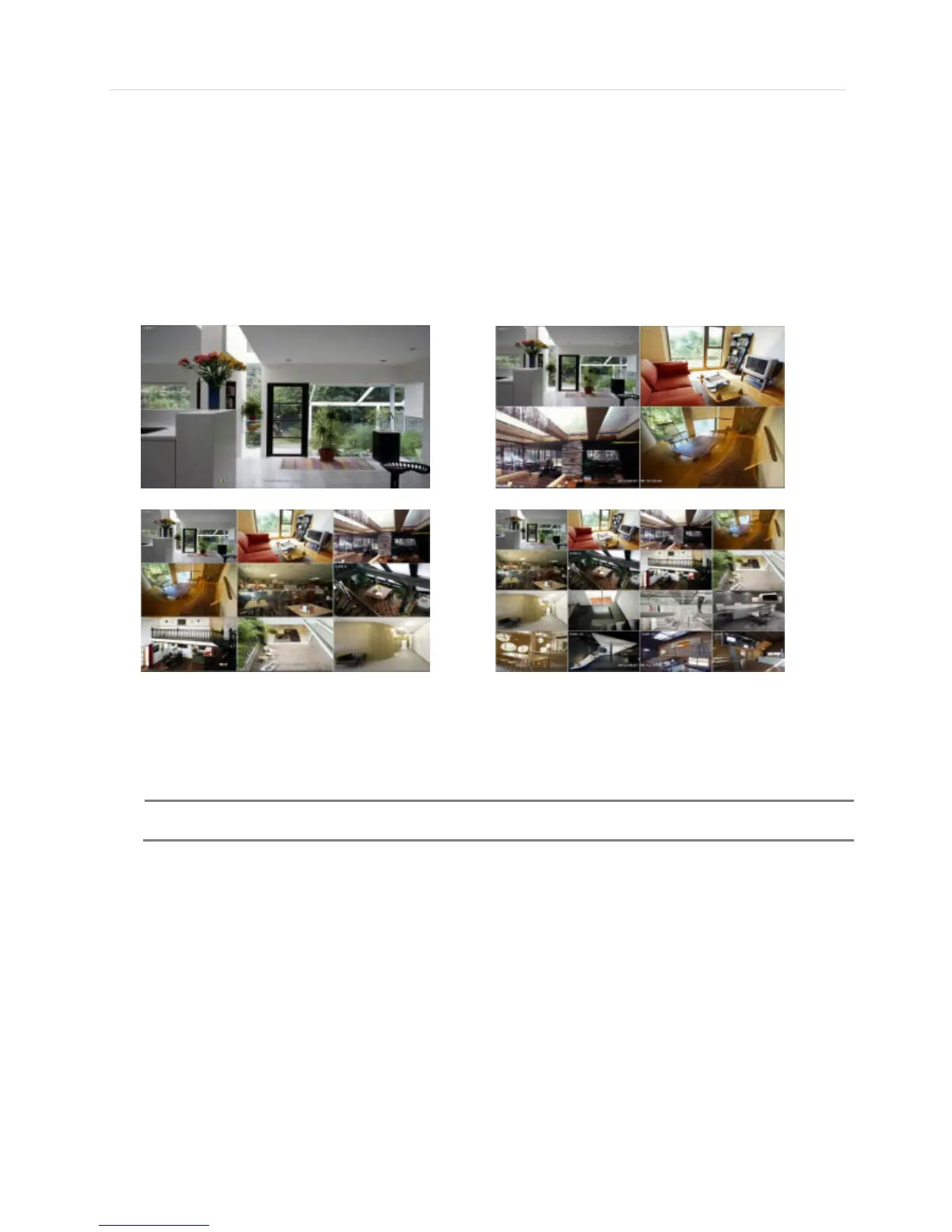
The live images can be displayed in real-time in 1, 4, 9, 16 screen splits. Whenever the left/right arrow button on the front
panel or IR remote controller is pressed, the screen will be sequentially changed.
[1 Ch] [4 Ch]
[9 Ch] [16 Ch]
To select channel by mouse, click target channel single time to display in full screen. To return to previous display mode,
click the screen again.
To view the pop-up menu, right click anywhere on the display screen.



 To Next Page