57 | Full HD Digital Video Recorder
5.3 Web monitoring
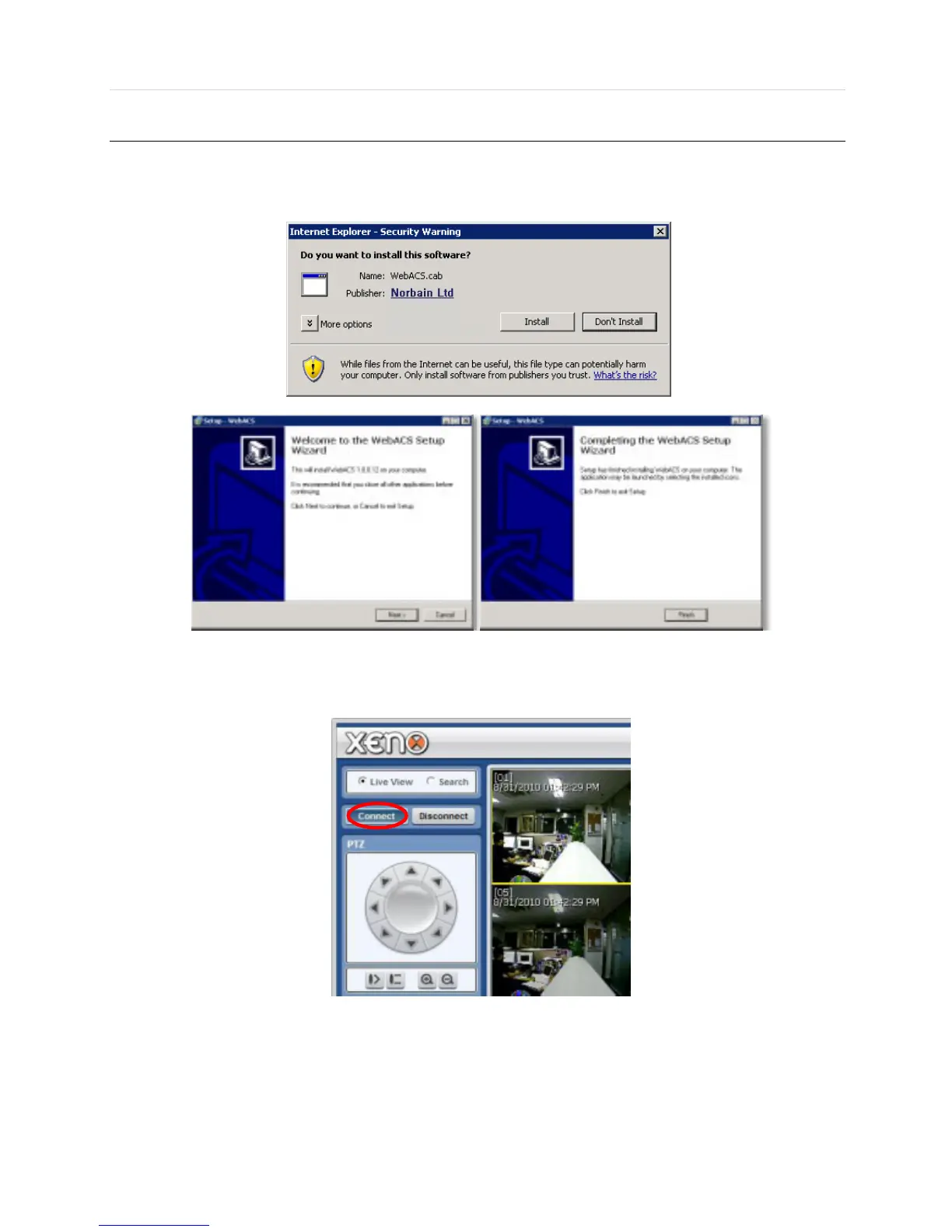
The first time you access your DVR via the Web viewer, you will be asked to install Active-X file before monitoring live video.
Please follow the installation process to complete the Active-X installation. Without it, you will not be able to view video from
any of the DVR’s channels.
[Web Active X Install ]
User can get into web monitoring after log in as shown below. In order to connect to DVR, the user has to click
“ Connect ” button which is located at the top left corner.



 To Next Page