User’s Manual | 74
6.4.9 Display Panel
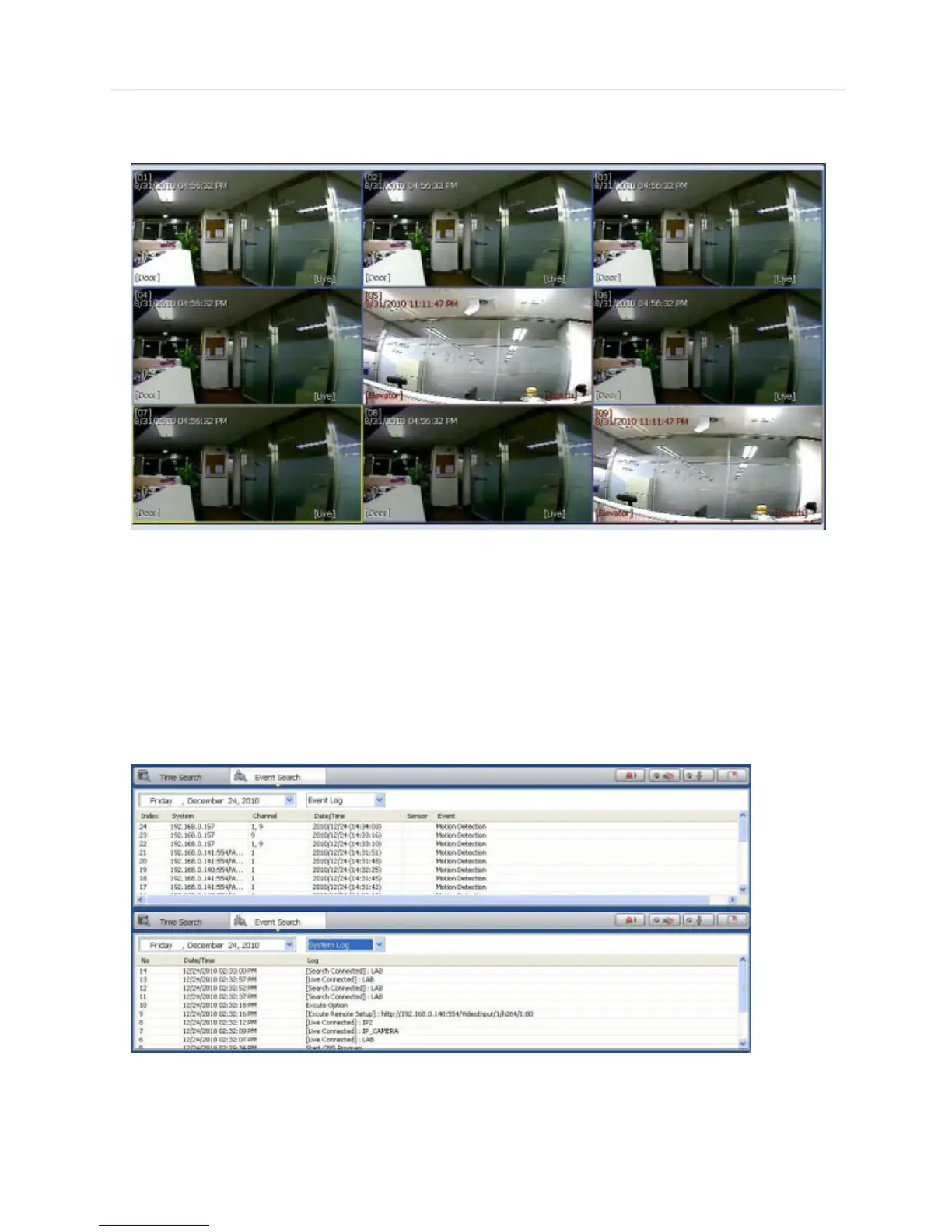
In live mode, the text LIVE will be displayed in white, and the channel will be bordered in blue.
In search mode, the text SEARCH will be displayed in red, and the channel will be bordered in red.
The selected channel will be bordered in yellow. The site name will be shown at the lower left hand corner of the screen.
6.4.10 Event Search Panel
CMS can receive any event data from the DEVICE as shown below.
You can select a desired date to view the event list of the selected date.
You can choose either event log or system log.



 To Next Page