User’s Manual | 24
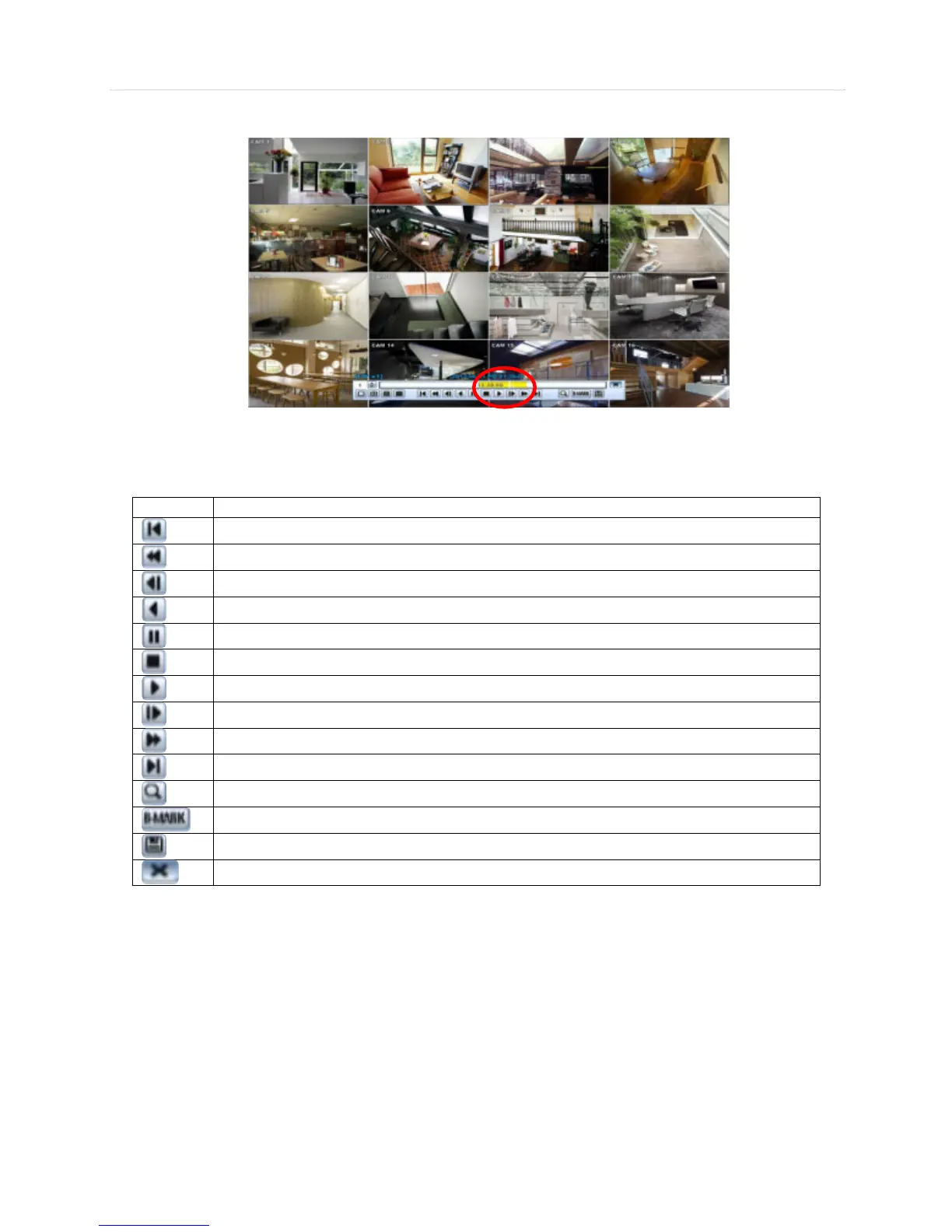
The picture below shows the system playing back a video.
In playback screen, user can make various playback modes, make an instant manual backup (archive), go to calendar
search mode, change channel, and change screen modes. By clicking the left mouse button in the colored-time bar, the user
can jump to a different time in the recording. In addition, user can move the vertical search bar and release by dragging it
back and forth to search the desired time in detail.



 To Next Page