User’s Manual | 70
6.4.6 Site List Panel
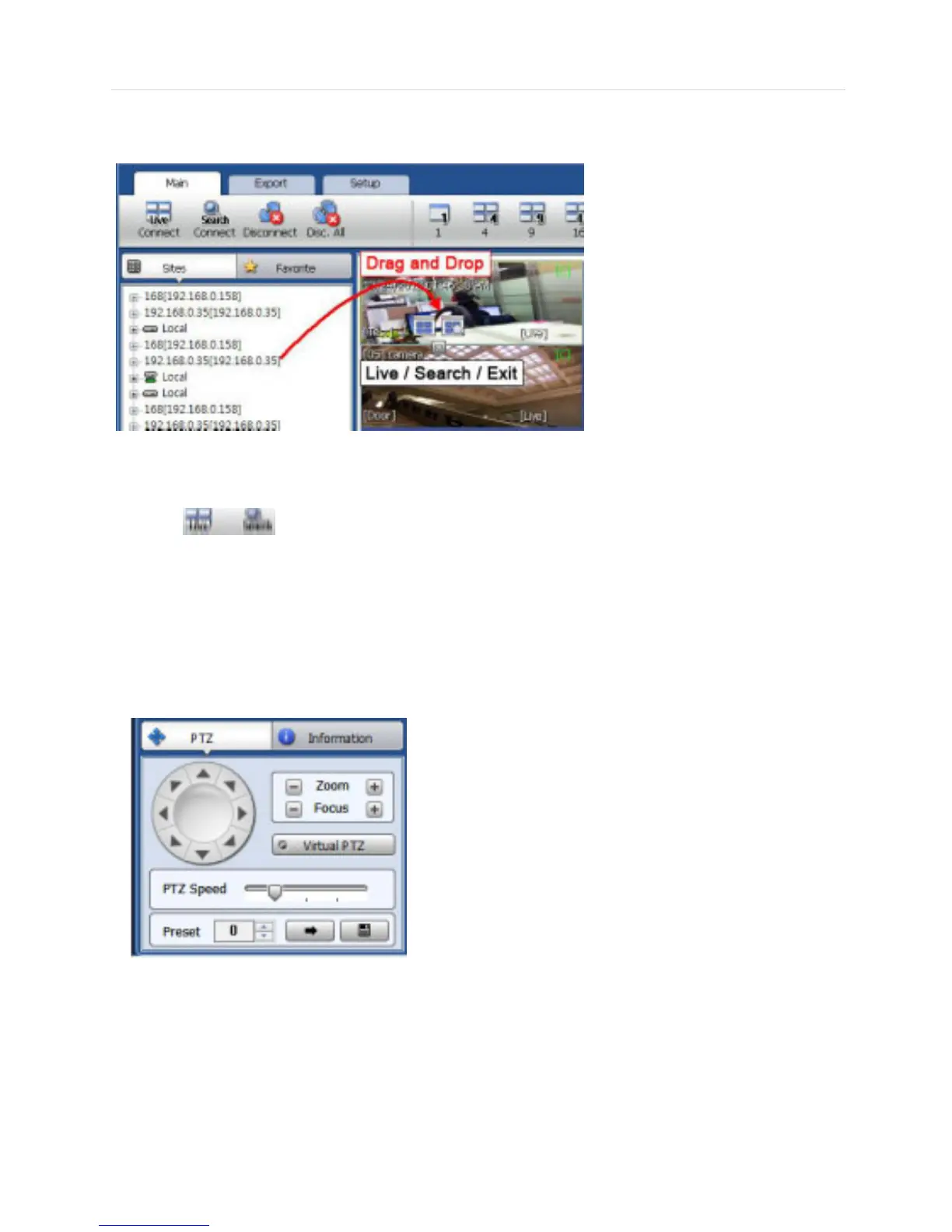
The Site List displays all of the DEVICE that are currently setup for remote connection with the CMS application, and
its cameras are available for view.
From the Site List Panel, select the desired camera and drag it on to the viewing area. Then, select the options Live or
Search ( ).
If an DEVICE site is dragged onto the viewable area, then the selected Device or all cameras from the DEVICE will
display.
6.4.7 PTZ control panel
PTZ camera control is only available in Live mode.



 To Next Page