User’s Manual | 38
4.2 Device
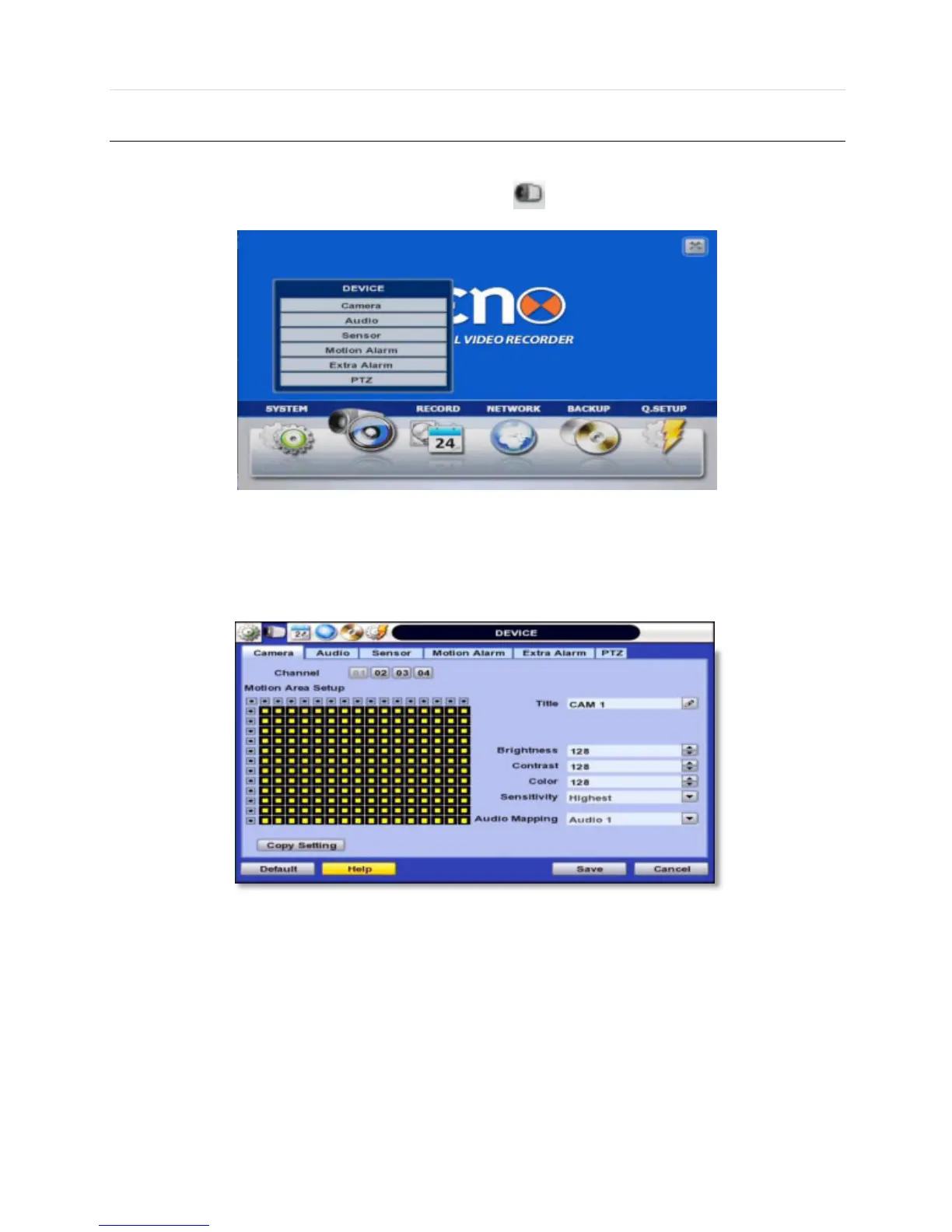
There are Seven sub menus in the Device menu, such as Camera, Audio, Sensor, Motion Alarm, Extra Alarm, and PTZ.
Users can easily move to the “Device” menu by selecting the icon on the top right of the menu screen.
4.2.1 Camera
Users can setup camera title, brightness, contrast, motion sensitivity, and audio mapping for each camera.
The default motion area setup is the entire camera area.



 To Next Page