User’s Manual | 32
4.1 System
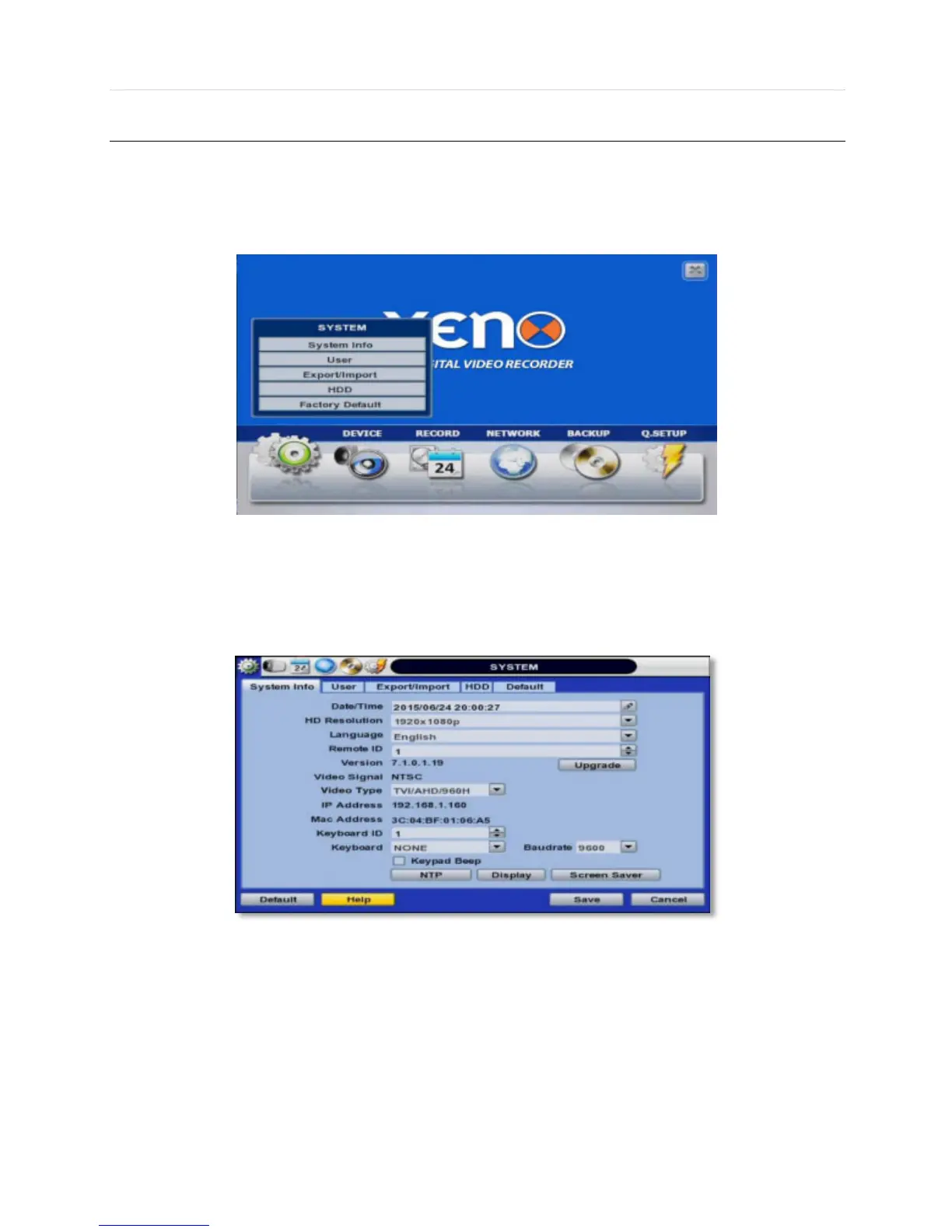
The system menu button is selected by clicking “TOOL” on the menu bar or clicking the right mouse button.
Users can move mouse pointer from “System” through “Quick Setup” to instantly look around the sub-menus on the menu
screen. Using the left mouse button, the user can select a desired category for editing.
4.1.1 System Info
The System Info sub-menu includes the following setup options: Date/ Time, HD Resolution, Language, Remote ID, Version
& System Upgrade, Video Signal, IP & MAC Addresses, Keyboard Setup, NTP Setup, Display Setup, and Screen Saver
Setup.



 To Next Page