51 | Full HD Digital Video Recorder
4.5 Backup
4.5.1 Backup
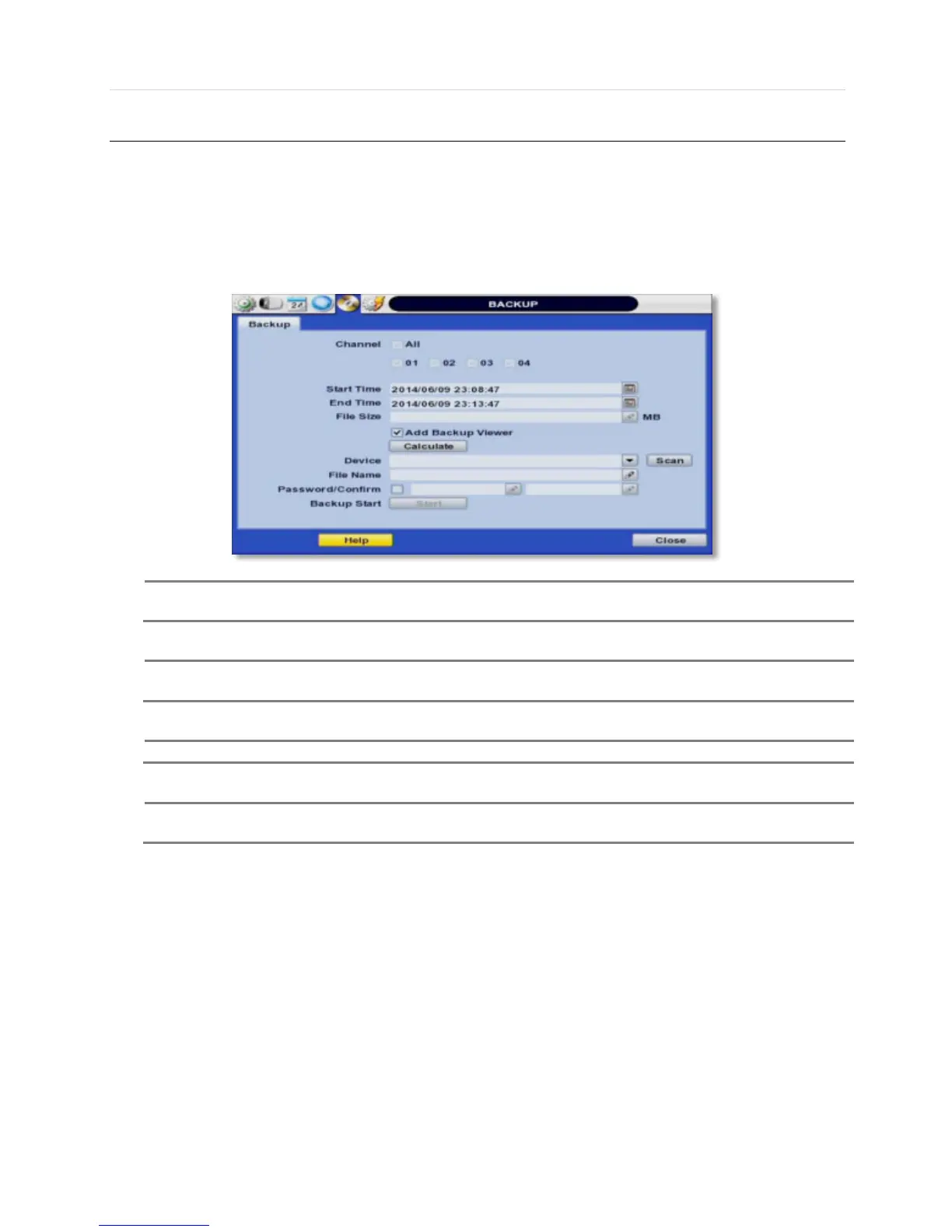
Users can archive a video clip recorded for a certain period on a selected channel or channels as shown below.
Connect an appropriate USB memory device, like USB thumb drive, USB HDD, and press “SCAN” button to get the system
to recognize it before archiving. Necessary file size will be shown before burning.
Backup device shall be a well-known major brand of USB thumb drives formatted by FAT/FAT32 for
User can easily backup video in “Quick Backup” during video playback. Refer to section 3.5 for quick
backup details.
User can click the “Calculate” button to learn the backup file size before executing backup.
User can rename the backup file name before starting backup process and also put a password in the
backup file for security purpose. In order to playback the file, user should input the password.



 To Next Page