User’s Manual | 52
4.5.1 Backup Video Retrieve
There will be a single file after archiving, if “Auto Player” was selected.
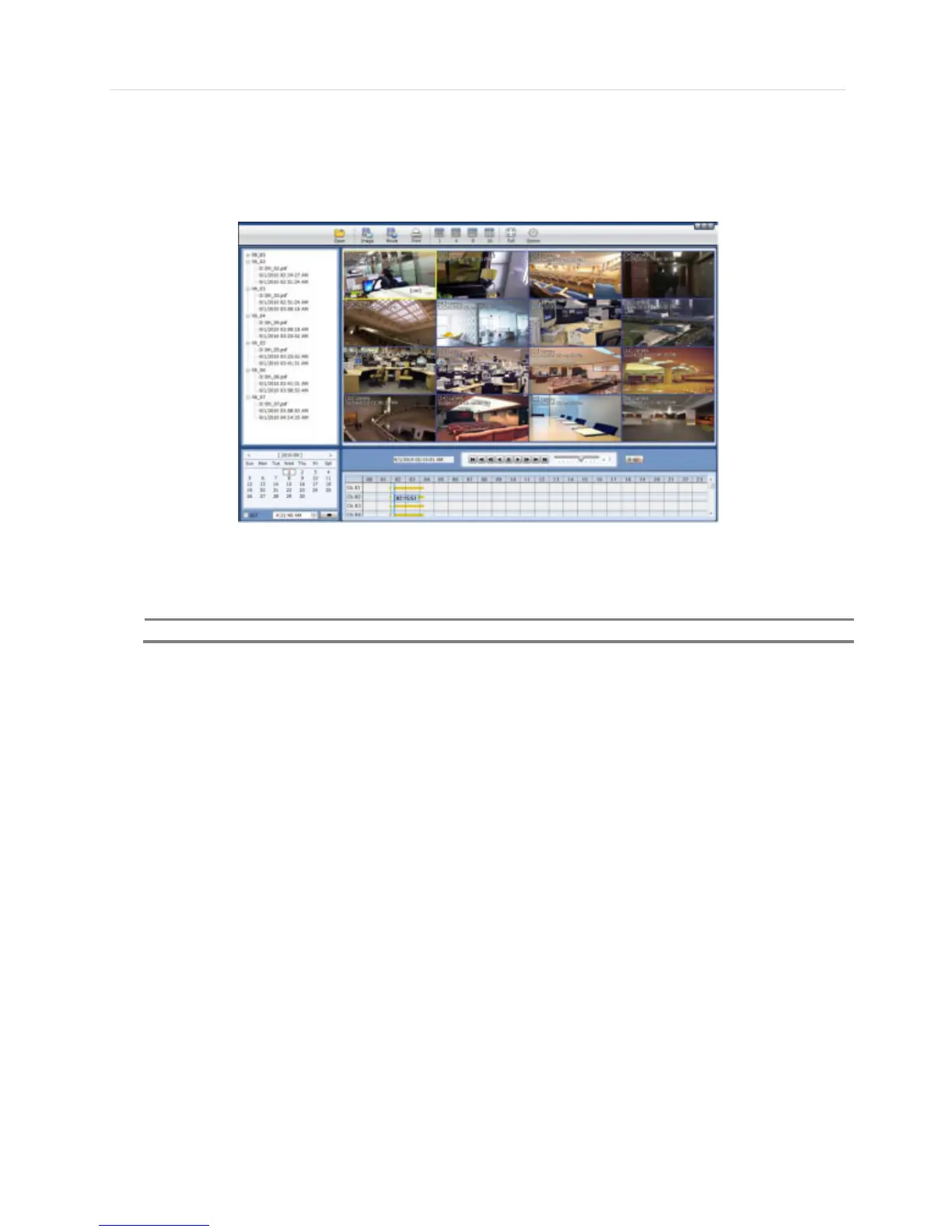
User can double click “Player.exe” file to open the video data file (PSF format) in the folder.
User can print out, capture a still image, zoom out, or make an ASF file format, by using the icons located on top of the player
window.



 To Next Page