49 | Full HD Digital Video Recorder
4.4.3 Notification
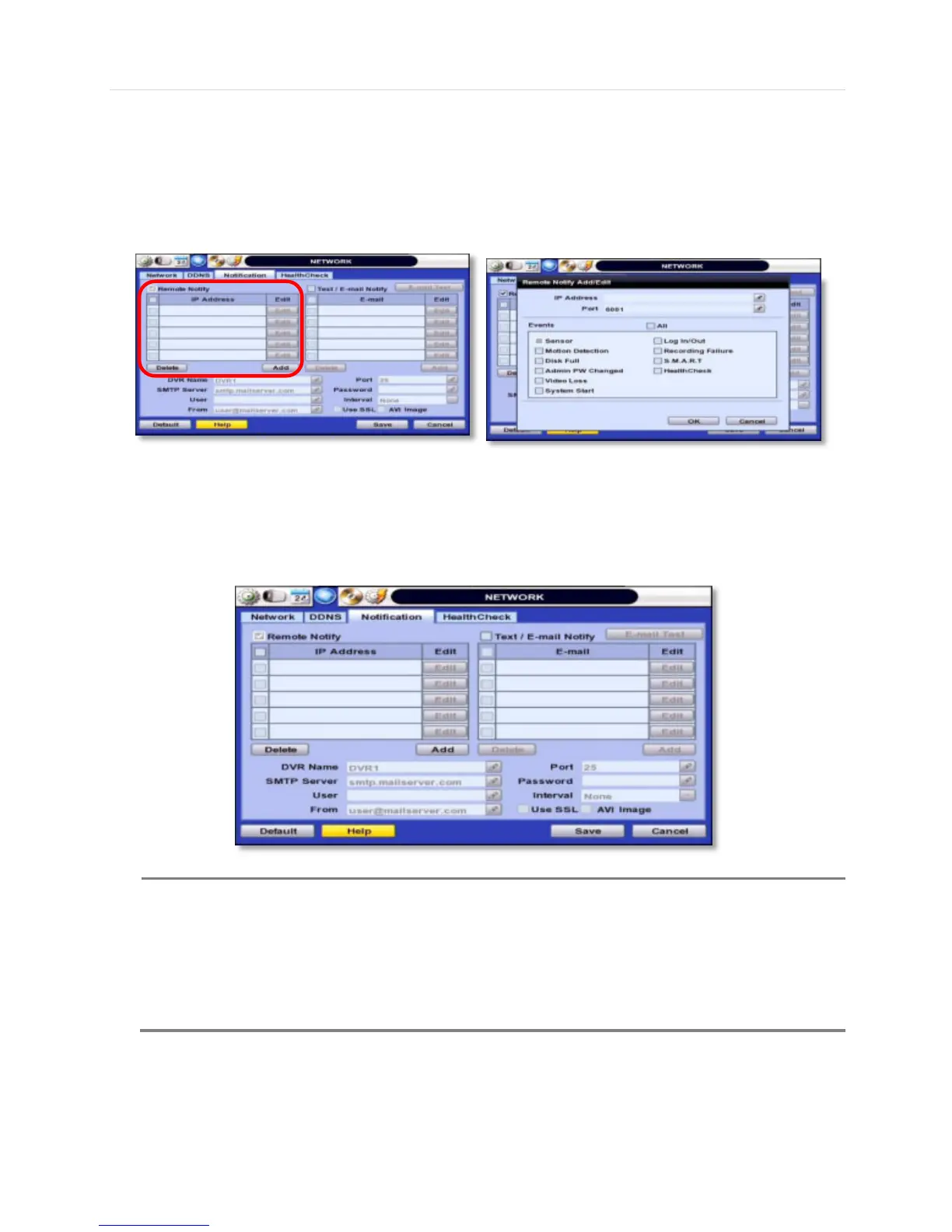
Remote Notify
The system can notify an alarm message to the IP address of Central Monitoring Software over the network.
User can choose from a selection of different kinds of alarms by pressing “ADD.” Alarms can be generated by Sensor,
Motion Detection, Disk Full, Admin PW Changed, Video Loss, and Power On/Off.
E-Mail Notify
The system can send notification to an Email address the Central Monitoring Software over the network. User can choose
from a selection of different kinds of alarms by pressing “ADD.” Alarms can be generated by Sensor, Motion Detection, Disk
Full, Admin PW Changed, Video Loss, and Power On/Off. By clicking “Use SSL”, users can use a public email address such
as Yahoo, Google, Hotmail accounts. Type DVR name in the “DVR Name” box. The DVR name will appear in the email so
that users can recognize which DVR sent an email.
Configuration’s first priority is always given to “Schedule Setup ” of the “RECORD” menu.
Thus, the system will not send alarm message or email notification upon motion alarm or sensor even
though user marks the checkbox of above event selection, unless user sets the “Schedule Setup” in the
“RECORD” menu.
For example, if user sets “Continuous” only for “Schedule Setup ” of the “RECORD” menu and marks
the “All” checkbox in “REMOTE NOTIFY”, then the system will not send alarm messages. In this case,
user has to set “C + M”, “MOTION”, “SENSOR” or “C+ S” for REMOTE NOTIFY or E-Mail NOTIFY to



 To Next Page