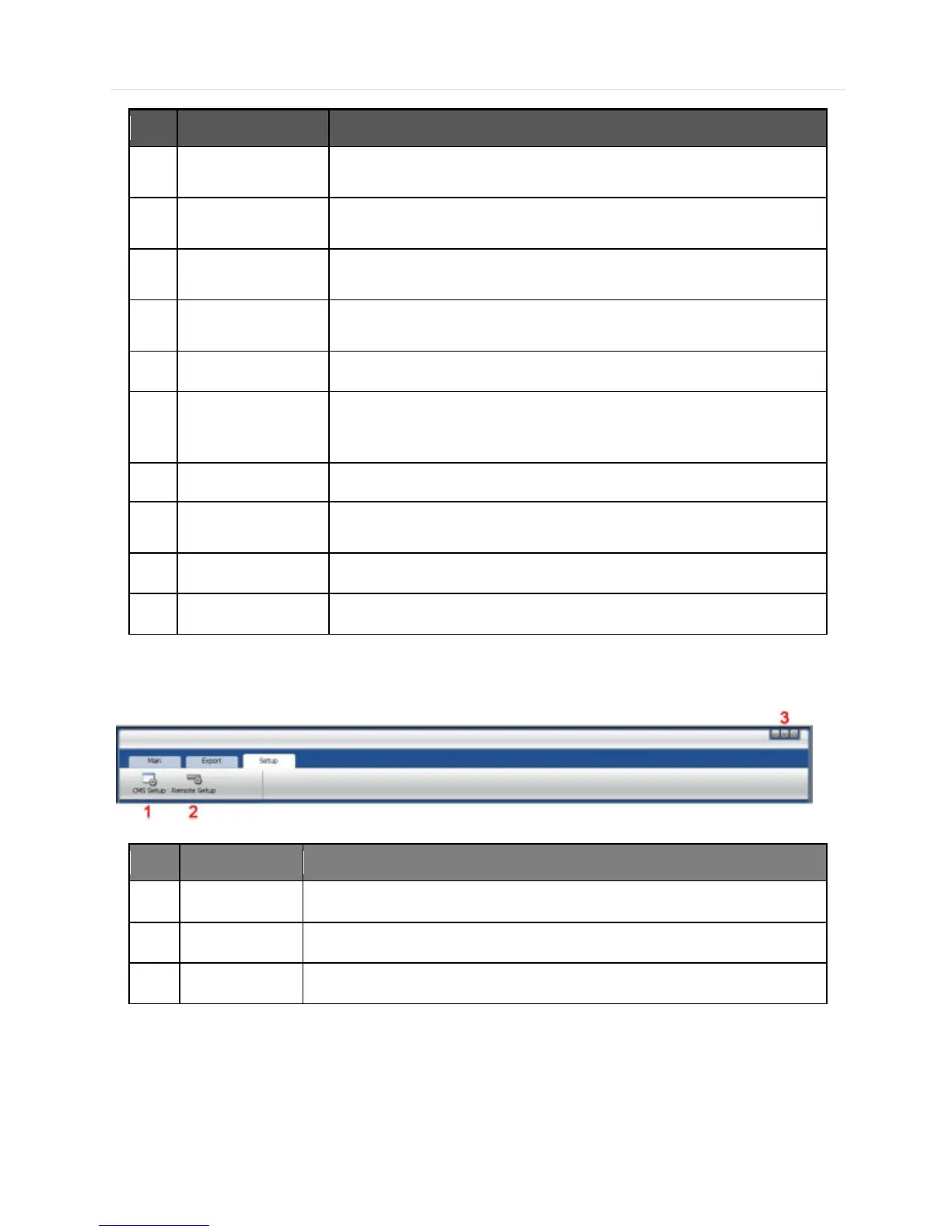
The Main Toolbar has three (3) selectable tabs named "Main", "Export" and
"Setup". In the Setup tab, there are CMS setup and Remote setup.
In the Export tab, able to save, AVI and Print the images.
In the Main tab, able to connect Live and Search, disconnect, change display
mode and sequence, Panorama Search and Thumbnail Search.
All of the registered sites in the setup tab are shown in the site list. Simply drag
and drop the desired site to the display screen to connect to the site.
Able to control a PTZ camera, in Live mode.
In the Search mode, the recording information per each channel will be
displayed, when a specific date is selected in the calendar.
This is the area where live view and search view are displayed.
CMS also can receive all of events from DEVICE, and they are listed in this
panel. An event data can be searched by double-clicking on an event.
Shows the current time and site information of the selected channel.
Create favorite site for quick access to the sites frequently viewed.
6.4.3 Main Toolbar (Setup)
Register sites, setup for user authority, and setup other CMS properties.
Access the setup menu of DEVICE remotely and change the settings.
Minimize/Maximize the CMS Window or close the CMS program.



 To Next Page