81 | Full HD Digital Video Recorder
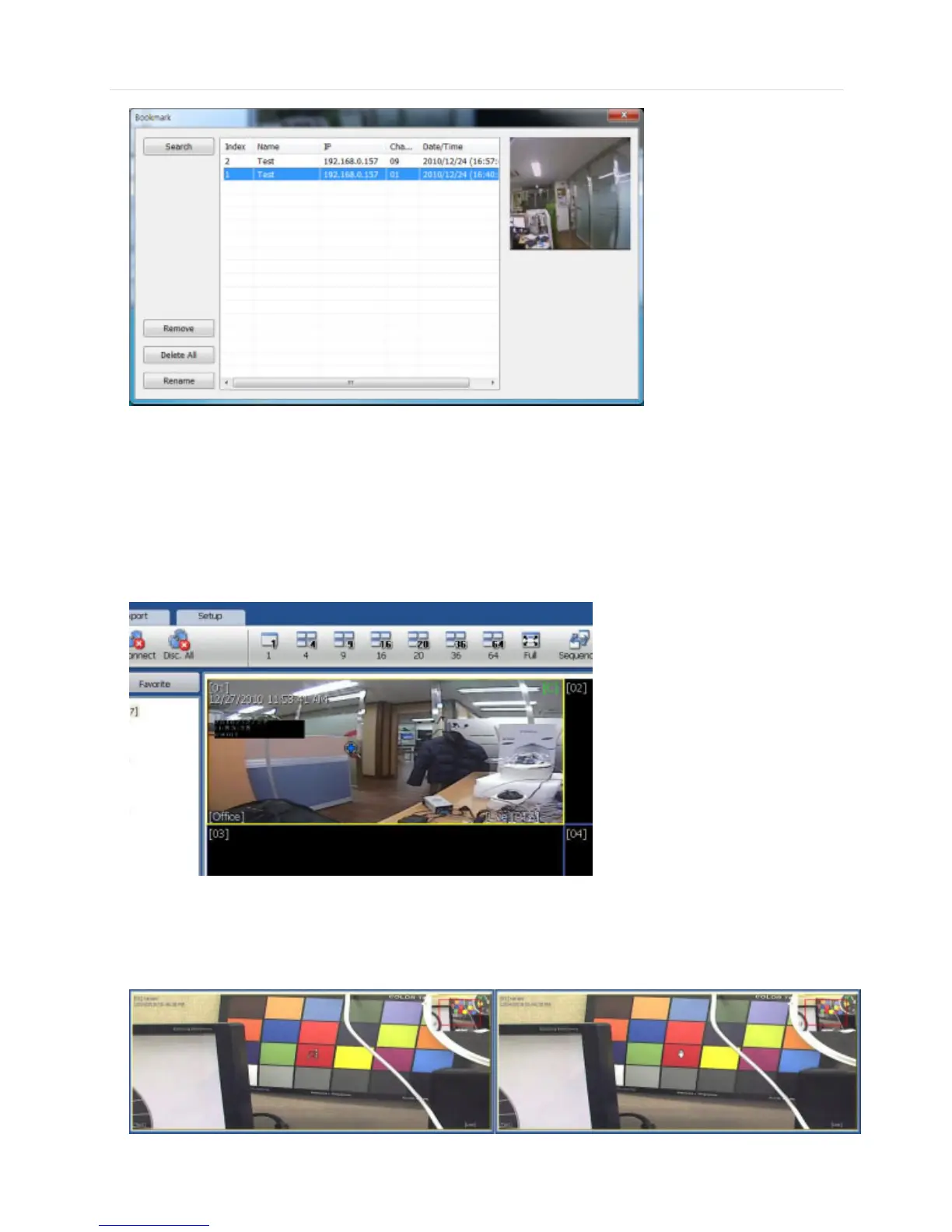
Select a bookmark list and click search or double click the bookmark list to search the bookmarked data.
Click REMOVE button to remove a selected bookmark list and click DELETE ALL to delete all of bookmark list.
Click RENAME to rename the selected bookmark list.
6.5.8 Virtual PTZ
If a PTZ camera is selected, click ‘Virtual PTZ’ button to activate ‘Virtual PTZ’ function.
Then, you can control a PTZ camera by using mouse controls. For example, place the mouse cursor over the PTZ channel
and left-click to the desired directions, then it moves to the directions.
6.5.9 Digital Zoom In/Out
In Live/Search mode, digital zoom can be activated in a single full screen mode by using a mouse wheel. Scroll up the mouse
wheel, and then you can zoom in. Scroll down the mouse wheel, and then you can zoom out the selected channel.



 To Next Page