83 | Full HD Digital Video Recorder
Search the DEVICE sites in the same local network. (UPnP function)
Port of the site. (Default: 9010)
Web Port of the site. (Default: 80)
Number of channel of the site.
(for example: 16ch DEVICE: 1-16 or specifically: 1,3,5,7,9)
Select a DEVICE or Device’s model name.
Select the displayed Aspect Ratio
To modify and/ or remove DEVICE information, click ADD or REMOVE to amend DEVICE site information.
Able to export the current site list and save as a file or import the file to the site list.
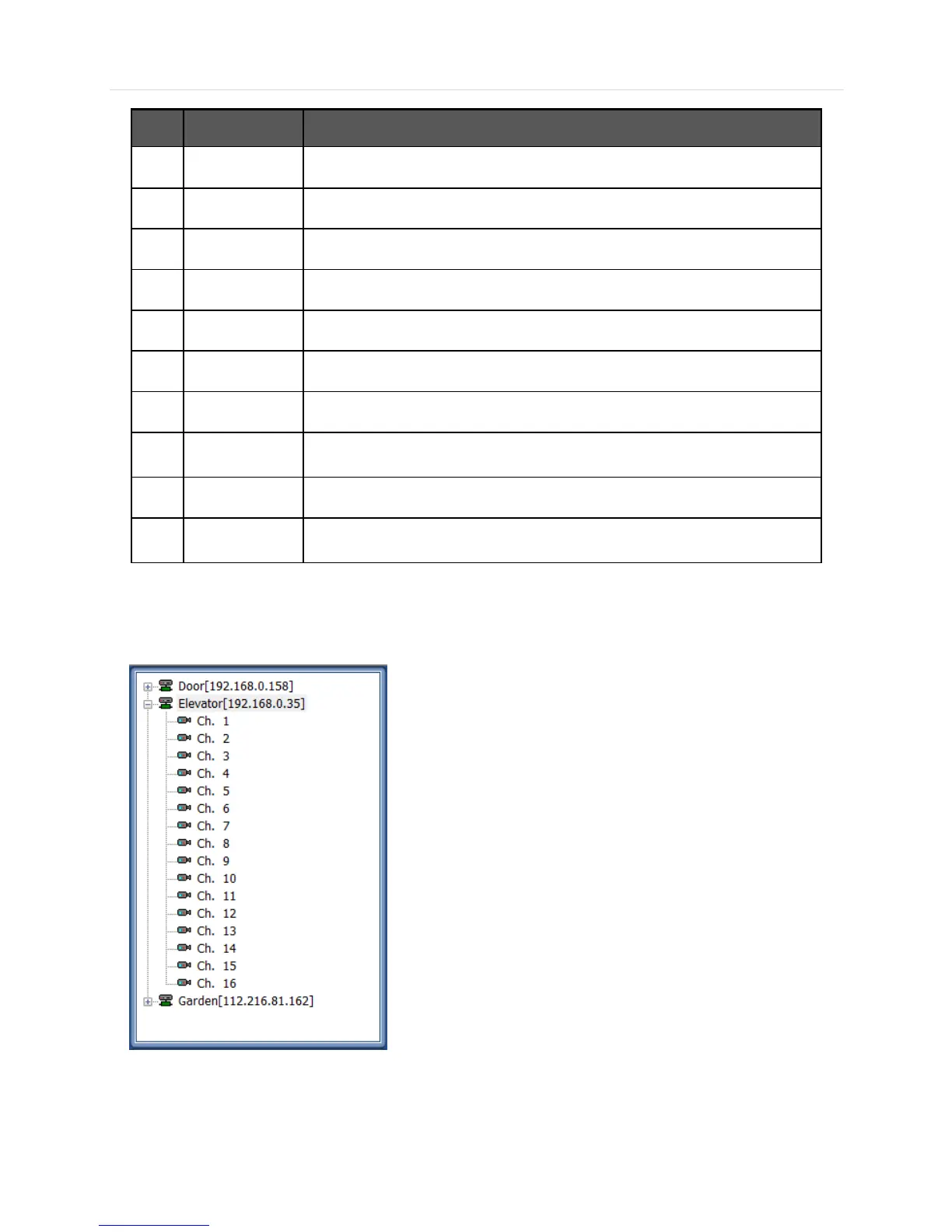
Once the new DEVICE site is added, the new DEVICE information will be displayed at DEVICE site panel as shown below.
6.6.2 Network
Able to setup RECONNECT and AUTO CONNECT in this tab.



 To Next Page