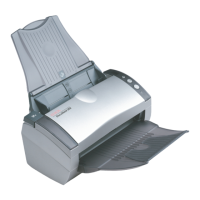
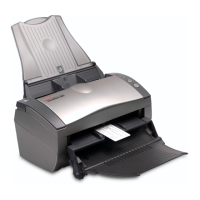
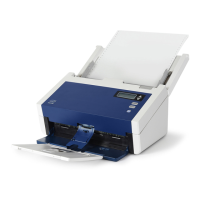
DocuMate 250 Scanner Installation Guide 3
Welcome
What You Need
An IBM-compatible PC with:
• A CD-ROM drive
• An available Universal Serial Bus (USB) port
• Microsoft Windows operating system: 98SE, 2000, ME, or XP
• Available internal memory (RAM) as follows:
• 64 megabytes (MB)
• Windows XP—128 MB
• 200 MB of free hard disk space
A VGA Monitor
Recommended settings for your monitor are as many colors as
possible—High Color (16-bit), True Color (24-bit or 32-bit). Set the
resolution to at least 800 by 600 pixels.
To set your monitor’s colors and resolution, open the Windows
Control Panel, double-click Display, and then click the Settings tab.
Documentation
Your scanner is delivered with the following documentation:
• Quick Install Card—abbreviated installation instructions.
• DocuMate 250 Scanner Installation Guide—on the Installation
CD; contains detailed installation, scanning, configuration, and
maintenance information.
• ScanSoft PaperPort User’s Guide—on the Installation CD;
contains detailed feature and configuration information.
• Online Help—for the scanner configuration, Scan Manager,
and PaperPort software applications.


 To Next Page
 Loading...