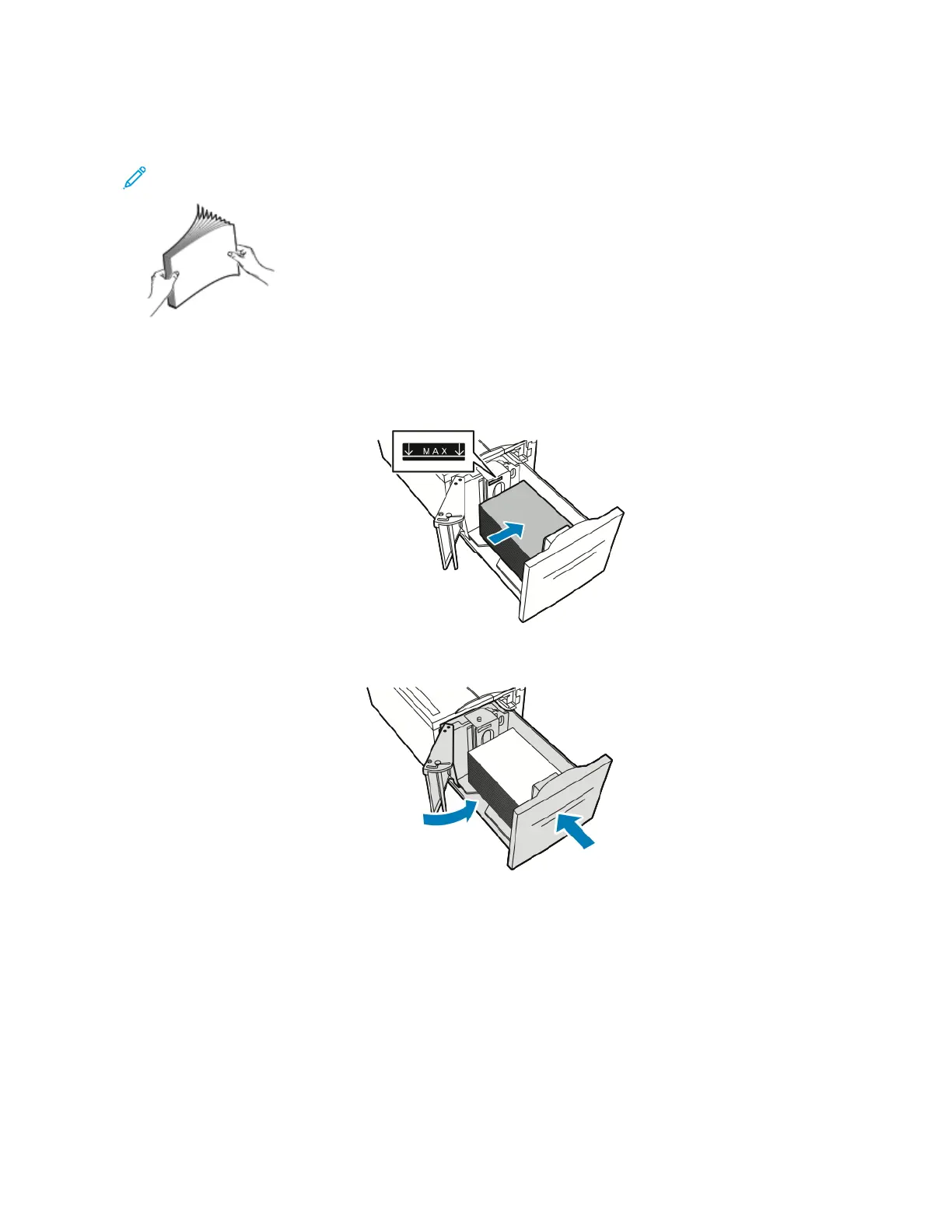
4. Fan the edges of the paper before loading it into the paper trays. This procedure separates any sheets of paper
that are stuck together and reduces the possibility of paper jams.
Note: To avoid paper jams and misfeeds, do not remove paper from its packaging until necessary.
5. Load the paper against the right side of the tray.
• Place letterhead or pre-printed paper face up with the top edge toward the back of the tray.
• Place hole-punched paper with the holes toward the left side of the tray.
6. Close the side gate. Close Tray 6.
Xerox
®
VersaLink
®
B71XX Series Multifunction Printer User Guide 179
Paper and Media

 To Next Page
 Loading...