Troubleshooting
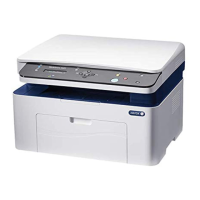
166 WorkCentre 3045 Multifunction Printer
User Guide
Clearing Paper Jams
This section includes:
• Clearing Paper Jams from the Front of the Printer ........................................................................................... 166
• Clearing Paper Jams from the Back of the Printer ............................................................................................ 167
•
Clearing Paper Jams from the Output Tray ......................................................................................................... 169
Clearing Paper Jams from the Front of the Printer
Note: To resolve the error displayed on the control panel you must clear all paper from the paper
path.
1. Remove any paper from the bypass tray.
2. Remove the paper cover.
3. Remove any paper jammed at the front of the printer.




 To Next Page

