down the notification panel, then tap Finish setting up your ditingp and follow
the onscreen instructions to finish the setup wizard.
Chapter 2 Basic features
Basic gestures
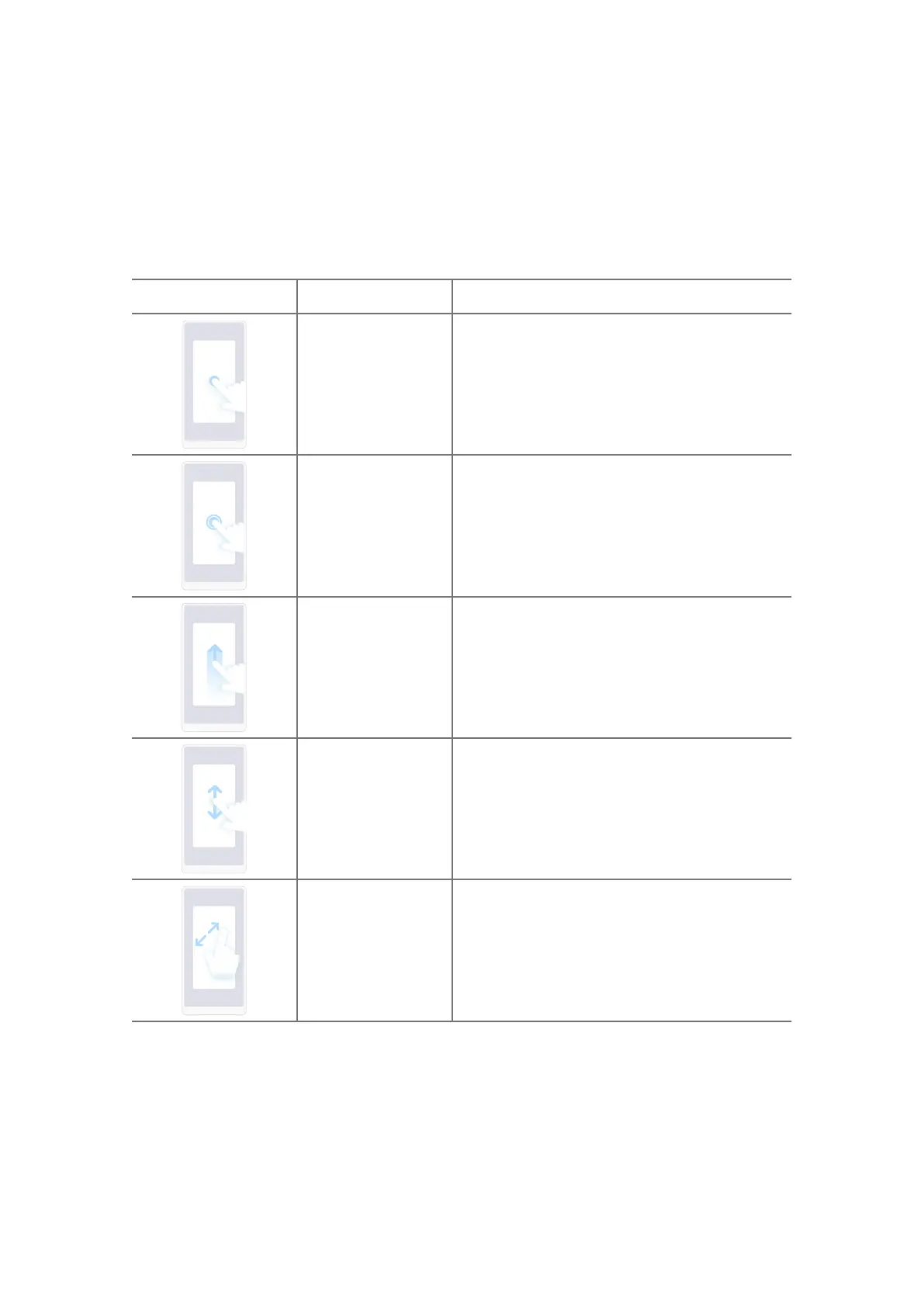
Gesture Definition Examples for gesture eects
Tap
• Open or choose an item.
• Enter texts with keyboard on the phone
screen.
Touch and hold
• Move an App icon on the Home screen.
• Activate a list to choose multiple items.
Swipe
• Browse a list quickly.
Scroll
• Drag a list up or down to see more infor-
mation.
Zoom in
• View photos with more details.
• Browse websites clearly.
05















 To Next Page