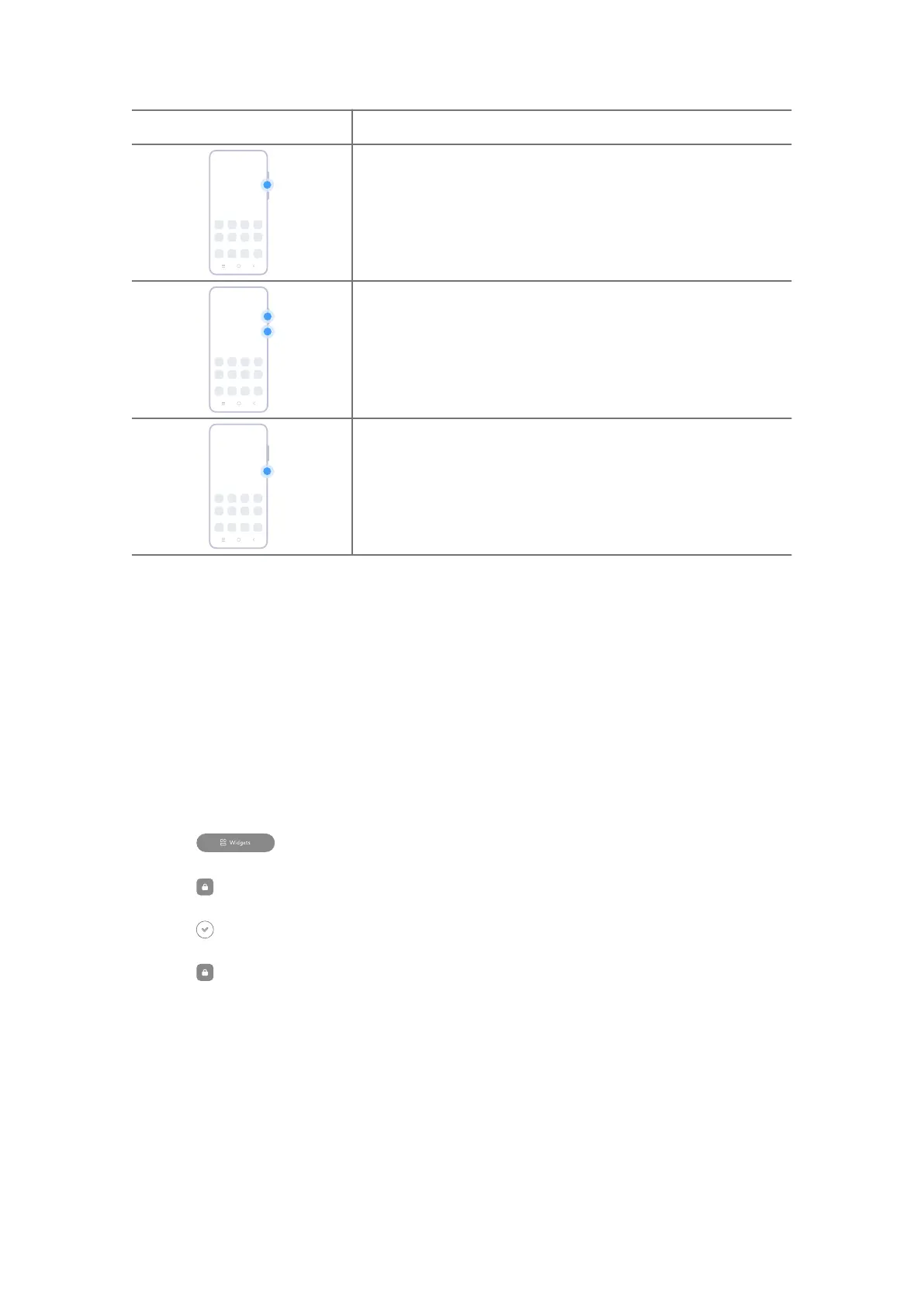
Gesture Description
Decrease the volume
Press the Volume down button.
Take a screenshot
Simultaneously press the Volume down button and the
Power button.
Activate Google Assistant
Press and hold the Power button until the Google assis-
tant appears.
Lock the screen
Lock the screen with the Power button
Press the Power button.
Lock the screen with Widgets
1. Enter the screen editing mode.
• Pinch on the Home screen.
• Touch and hold an empty space on the Home screen.
2. Tap
Widgets to view all widgets.
3. Tap Lock from Quick functions.
4. Tap at the upper-le corner of the phone or zoom out the page.
5. Tap Lock to lock the screen.
Unlock the screen
Unlock the screen with a pattern, PIN, or password
1. Press the Power button to wake up the phone.
2. Swipe up from the bottom of the screen.
3. Draw the pattern, or enter the PIN or password to unlock the screen.
08















 To Next Page