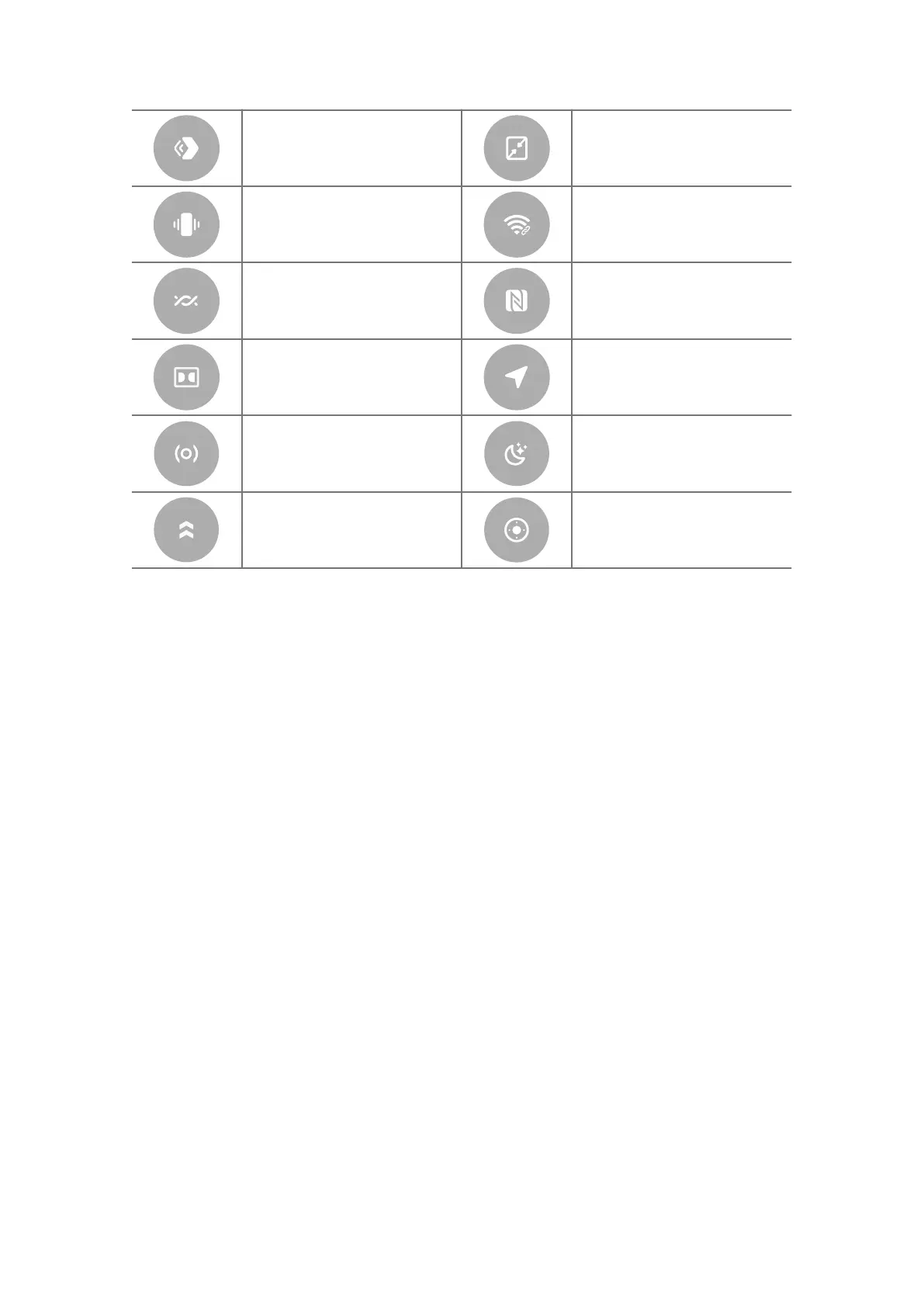
Mi Share Floating windows
Vibrate Hotspot
Nearby Share NFC
Dolby Atmos Location
Focus mode Bedtime mode
Performance mode Mi Remote
Open the Control center
When you use New version of the Control center, pull down status bar on the
right to open the Control center. When you use the Old version of the Control
center, pull down status bar to open the Control center. See Choose Control
center style for more information.
Apps and App folders
Downloaded Apps and pre-installed Apps are shown on the Home screen. You
can manage Apps and add them to personalized App folders.
Open an App from Home screen
Tap an App icon on the Home screen.
Move an App on Home screen
Touch and hold an App icon until the pop-up window shows, then move the App
to other places on the Home screen.
Remove an App from Home screen
1. Touch and hold an App icon until the pop-up window shows.
13















 To Next Page