Note
If you do not know or want a pattern, PIN, or password, you can see Set up Screen lock
for more information.
Unlock the screen with fingerprint
Tap and hold the fingerprint sensor on the bottom of the screen.
Note
• Only the finger you registered with fingerprint data can unlock the screen.
• Set screen lock before you add the fingerprint. If you do not have fingerprint data, see
Set up a fingerprint lock for more information.
Unlock the screen with face data
Add a screen lock password before you add the face data. See Set up a face lock
for more information.
1. Press the Power button to wake up the phone.
2. Look at the screen until the the lock icon changes from
to .
3. Swipe up from the bottom of the screen.
Note
You keep the screen stay on when you are looking at the screen.
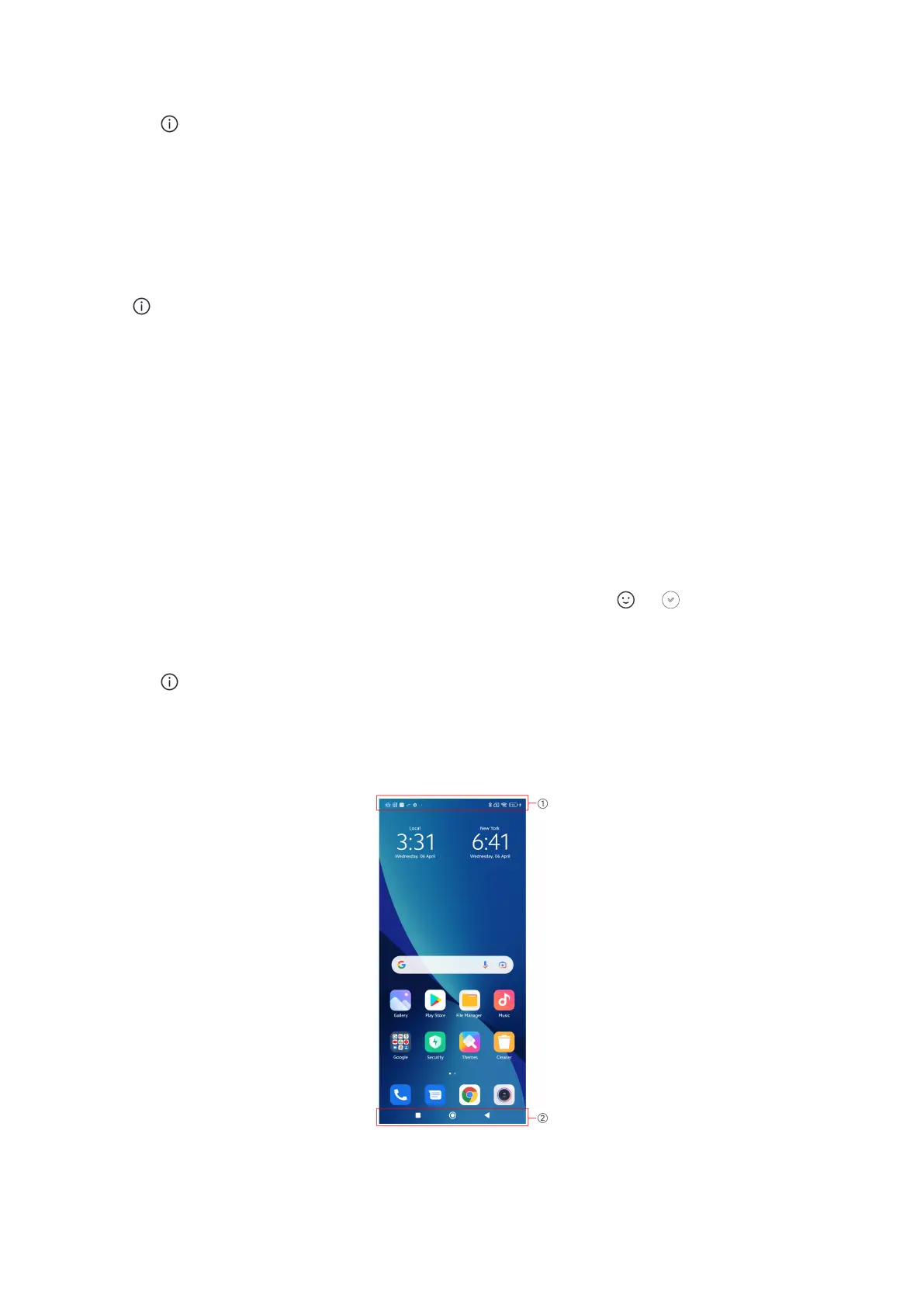
Home screen
09















 To Next Page