Tip
You can tap to take photos with the front camera.
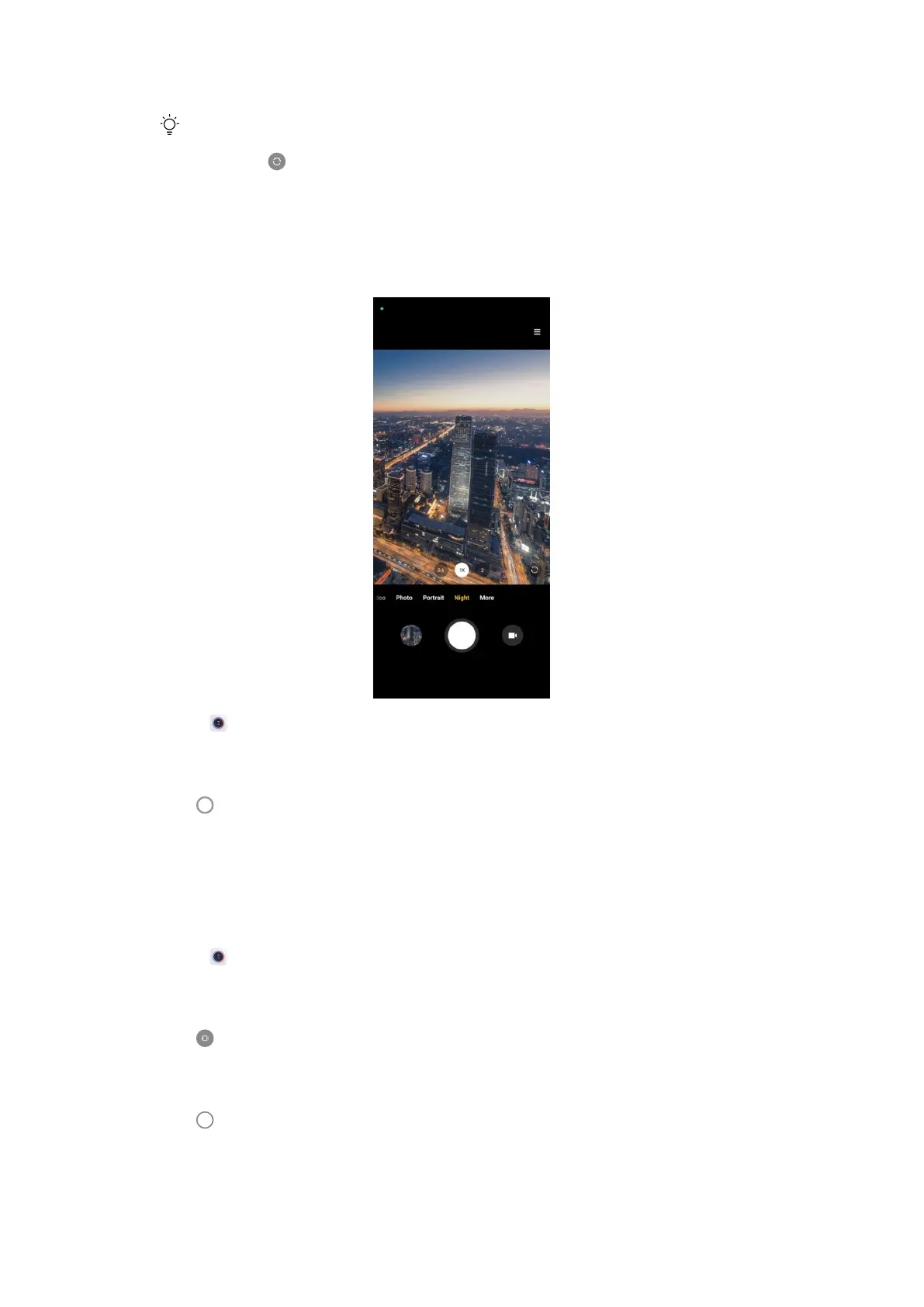
Take photos in Night mode
Night mode captures more details and brightens your photos in low-light condi-
tions.
1. Open Camera.
2. Select Night.
3. Tap
.
Take photos in Panorama mode
You can take a wide landscape photo or you can take a photo for large groups in
Panorama mode.
1. Open Camera.
2. Select More.
3. Tap Panorama.
4. Point the camera at the starting scene of the Panorama photo.
5. Tap
to start your Panorama photo.
58















 To Next Page