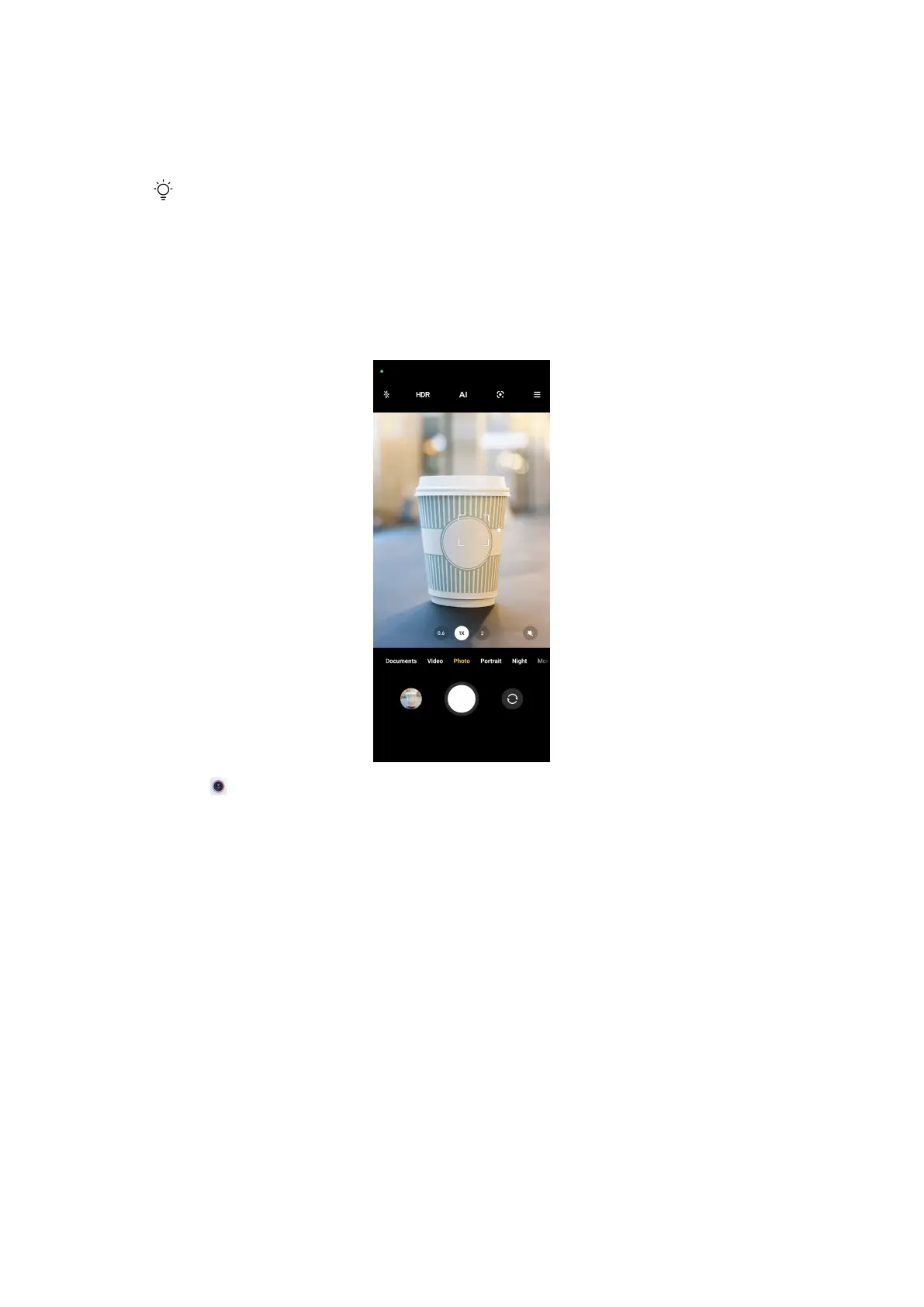
• Double press the Power button to open camera when the screen is locked or
unlocked. See Launch camera shortcut for more information.
Tip
You will not be able to see your Gallery items if you launch camera on the Lock screen
without verifying your password.
Basic features
Set the focus
1. Open Camera.
2. Tap the screen to show the focus ring and exposure setting.
3. Tap the area that you want to focus on.
Adjust the exposure
When you take a photo in a low-light or an overexposed environment, adjust
the exposure to adjust the brightness of your photo.
45















 To Next Page