Gesture Definition Examples for gesture eects
Zoom out
• Check maps in full view.
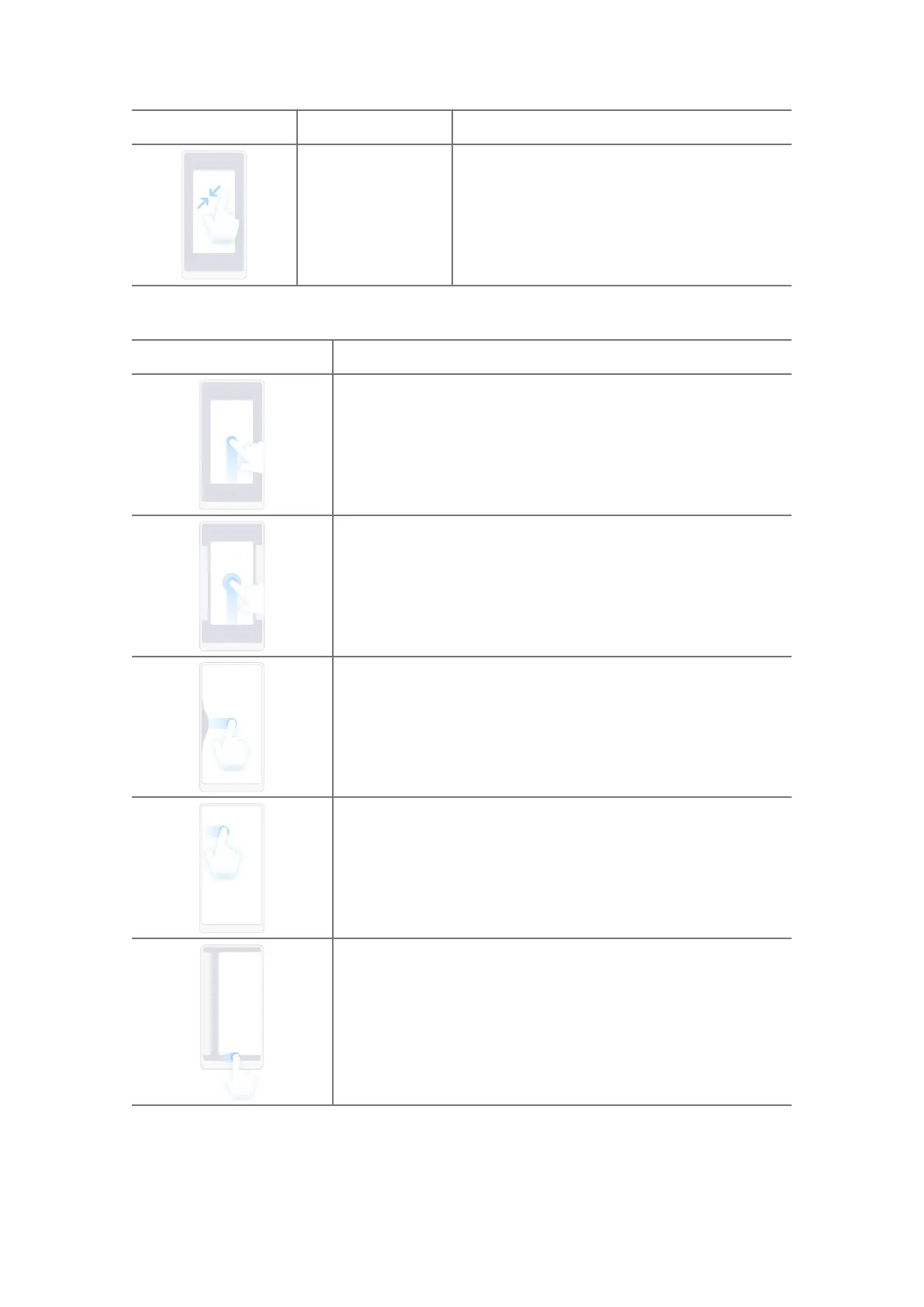
Full screen gestures
Gesture Description
Go to Home screen
Swipe up from the bottom of the screen.
Open Recents
Swipe up from the bottom of the screen and pause.
Go back
Swipe le or right from the edge of the screen.
Trigger app's action
Swipe le or right from the edge of the screen in top area.
Switch between apps
Swipe le or right from the full screen indicator or bottom
of the screen.
06















 To Next Page